Free Browser Canvas Check · 0 Credits
Pet-Photo Knight Armor Framing Checker
Before spending credits on a 1080p Knight Cat video or 2K sword-cat portrait, drop your pet photo into this local browser canvas checker. It overlays helmet ear-clearance guides, chest cuirass zones, sword-paw room, and caption headroom while scoring image sharpness and exposure right on your device.
1 · Upload Pet Photo or Test Demo Silhouette
2 · Target Aspect Ratio
3 · Clip Length for Quote
Gold = Helm & Ear Clearance · Blue = Silver Cuirass · Green = Miniature Sword & Paws
Why source photo framing decides 80% of a Knight Cat clip
Seedance 2.0 and Nano Banana 2 preserve your cat’s exact facial identity by reading eye level, ear geometry, and fur contrast from the uploaded frame. When a photo cuts off ear tips or buries dark fur in shadow, the fitted silver plate armor has nowhere clean to anchor.
Checking your crop in 9:16 (TikTok, Reels, Shorts), 1:1 (sword-cat memes), or 16:9 (YouTube widescreen) ensures both ears sit inside the upper helm clearance zone and front paws have room for a miniature broadsword.
How to use the canvas armor overlay and send to Studio
- Upload any JPG, PNG, or WebP pet photo (or test with the built-in studio silhouettes). Nothing leaves your browser tab.
- Pick your target aspect ratio (9:16 vertical, 1:1 square meme, or 16:9 landscape) and inspect the gold helm, cuirass, and sword-paw guide boxes.
- Check the automatic resolution, exposure, and contrast scores—aim for at least 720px on the shortest cropped edge for 1080p clips.
- Export your pre-cropped PNG if needed, then click Load Framed Spec into Knight Cat Studio to prefill your video draft.
Choosing between 720p Standard and 1080p Studio packs
Once your photo passes the framing check, a 12-second 720p clip costs 10 credits (one standard video) and a 12-second 1080p clip costs 30 credits. One-time starter packs such as the Duo Pack ($19.99 · 30 credits) cover a full 1080p hero clip or three 720p clips with non-expiring credits.
Les premières questions que l’on se pose
Does uploading my pet photo here cost credits or upload to a server?
No. Pixel decoding, aspect cropping, luminance scoring, and PNG export run 100% locally inside your browser canvas for free.
What photo angle works best for turning a cat into a knight?
Eye-level front or three-quarter sitting portraits with both ears visible, clear whiskers, and even indoor window light produce the sharpest armor fit and facial likeness.
Can I check dog or kitten photos in this framing tool?
Yes. Toggle between 9:16, 1:1, and 16:9 guides to check kittens, adult cats, or loyal dog companions before opening Knight Cat Studio.
How does the Studio draft button work?
Clicking Load Framed Spec into Knight Cat Studio saves your selected aspect ratio, recommended resolution, duration, and framing-matched prompt into session draft storage and opens the homepage generator.
Plus d’outils pour cette photo
Une même photo importée peut devenir une image fixe, un mème ou un court clip.
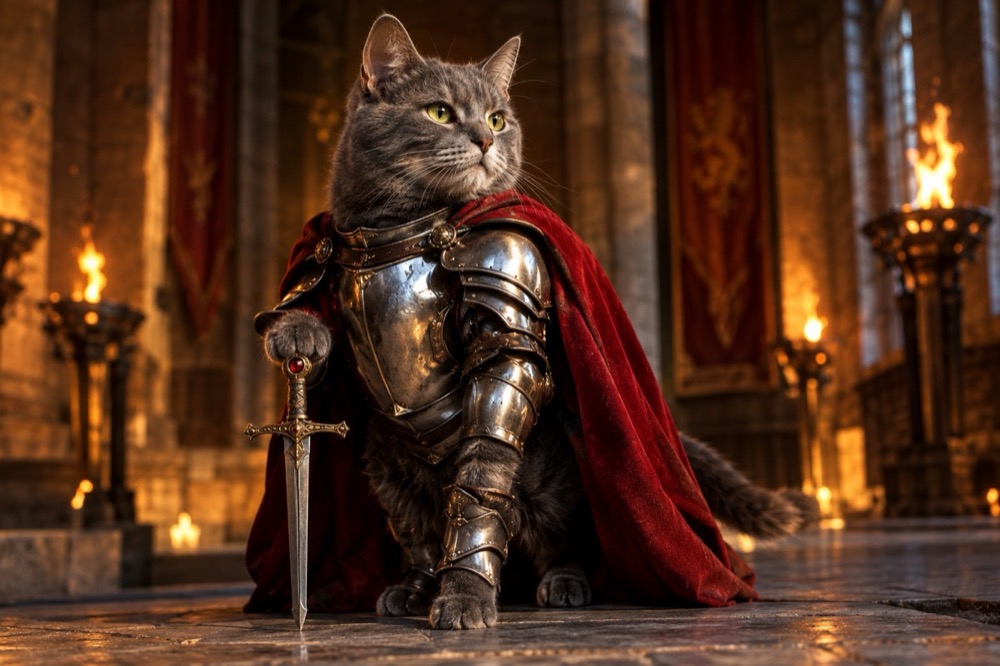
Image1 créditGénérateur d'images Knight Cat
Transformez votre chat en chevalier sur une image 2K : armure de plates argentée, cape rouge et épée, en conservant le vrai visage et les marques de votre chat. 1 credit.
Ouvrir l’outil →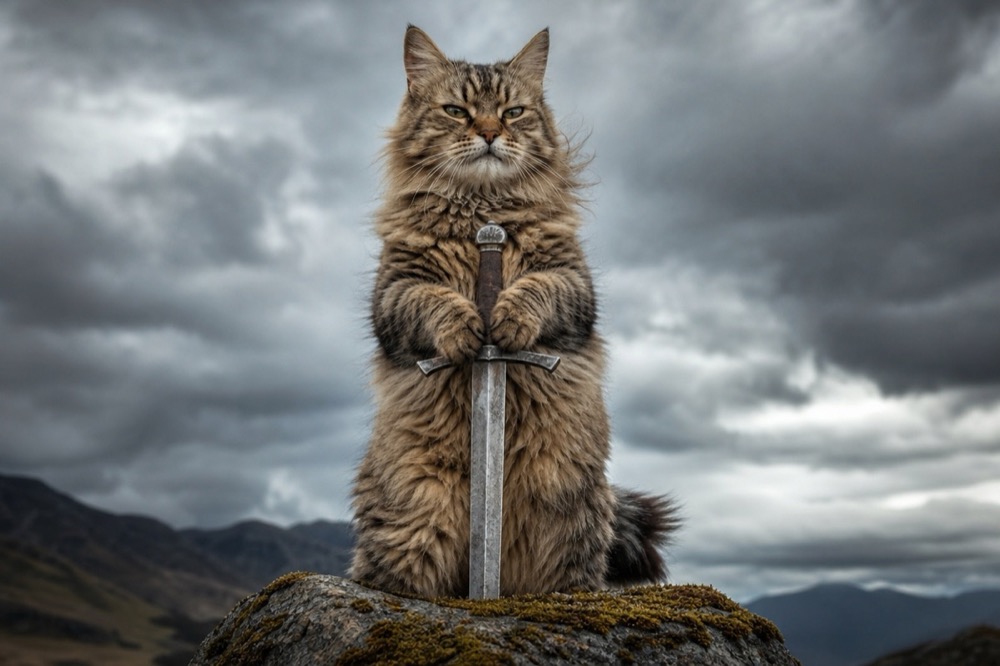 Image1 crédit
Générateur de mème chat avec épée
Transformez une photo de votre chat en mème de chat avec épée en environ 30 secondes. Un seul envoi, 1 credit, une image 2K, sans filigrane et aucun prompt à rédiger.
Ouvrir l’outil →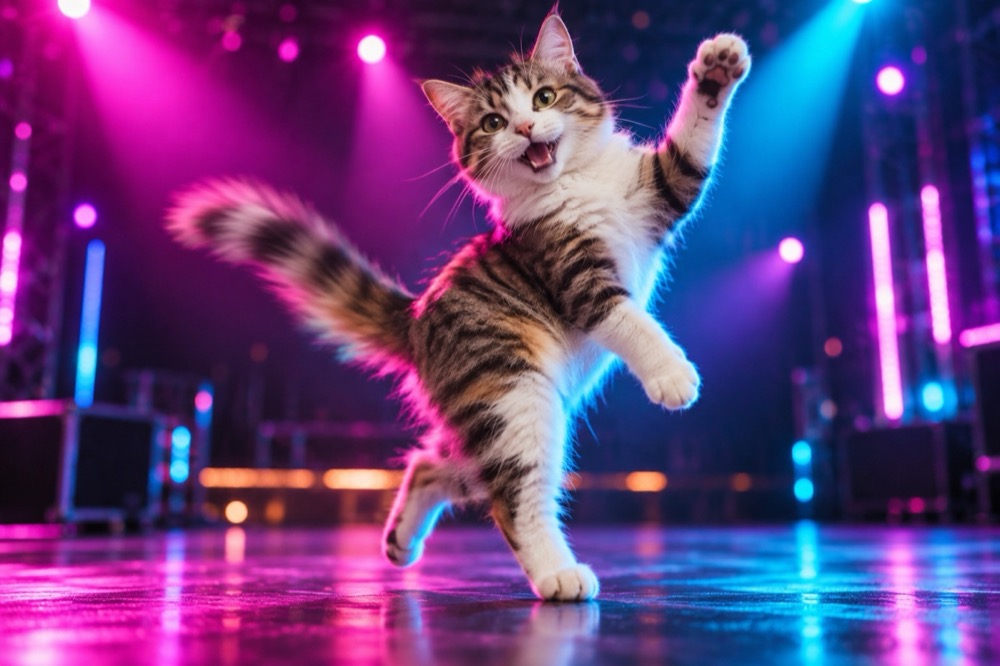 Vidéo5 crédits
Générateur de vidéo de chat qui danse
Transformez une photo de chat en une vidéo dansante de cinq secondes : rebond, pattes disco ou tour et pose. Clip vertical 720p pour 5 credits, sans filigrane.
Ouvrir l’outil →Une seule photo suffit pour commencer
Choisissez un outil, importez la photo la plus nette dont vous disposez, et le premier résultat est généralement prêt avant que vous ayez fini de lire la page.
Tous les outils
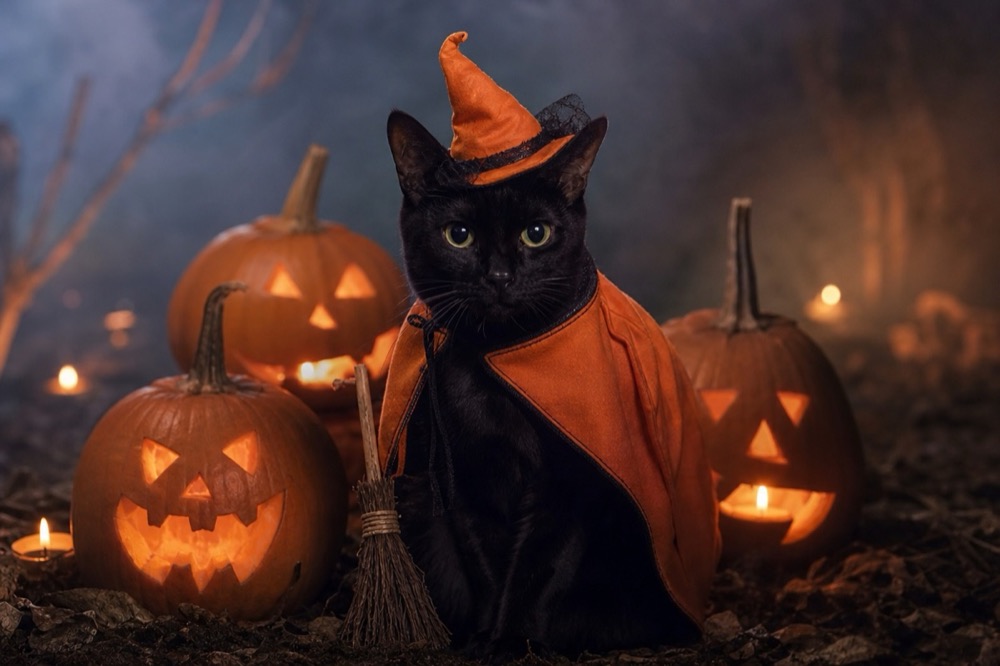 Image1 crédit
Générateur de costume d'Halloween pour chat
Habillez votre chat pour Halloween sans acheter de costume : sorcière citrouille, licorne hantée ou vampire, générés à partir d'une seule photo en 2K. 1 crédit par image.
Ouvrir l’outil →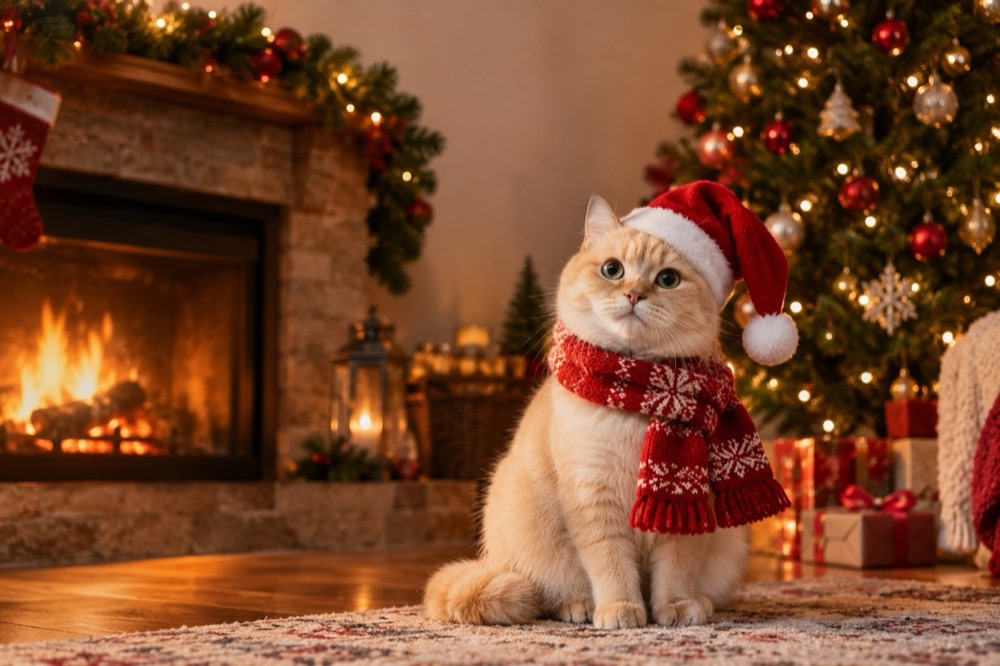 Image1 crédit
Générateur de cartes de Noël pour chat
Créez une carte de Noël avec votre propre chat : chapeau de Père Noël, écharpe en laine et coin du feu chaleureux, générée en 2K à partir d'une photo. 1 credit, sans filigrane.
Ouvrir l’outil →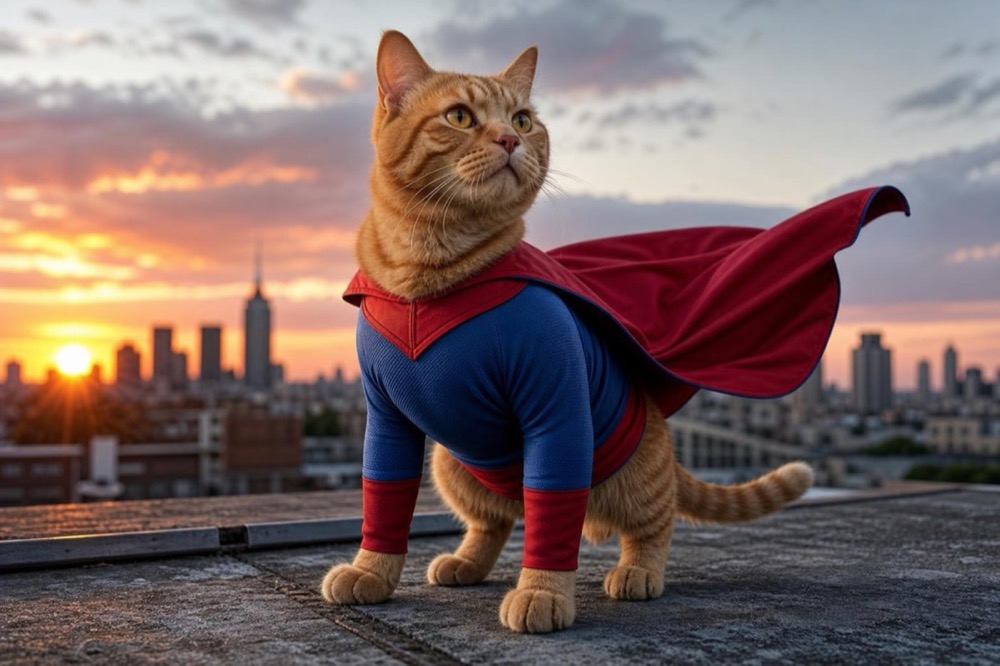 Image1 crédit
Générateur de chat super-héros
Donnez à votre chat une combinaison de super-héros et une cape dans un portrait 2K. Choisissez un héros de rooftop, un gardien cosmique ou un petit acolyte. 1 credit, sans filigrane.
Ouvrir l’outil →