Free Browser Canvas Check · 0 Credits
Pet-Photo Knight Armor Framing Checker
Before spending credits on a 1080p Knight Cat video or 2K sword-cat portrait, drop your pet photo into this local browser canvas checker. It overlays helmet ear-clearance guides, chest cuirass zones, sword-paw room, and caption headroom while scoring image sharpness and exposure right on your device.
1 · Upload Pet Photo or Test Demo Silhouette
2 · Target Aspect Ratio
3 · Clip Length for Quote
Gold = Helm & Ear Clearance · Blue = Silver Cuirass · Green = Miniature Sword & Paws
Why source photo framing decides 80% of a Knight Cat clip
Seedance 2.0 and Nano Banana 2 preserve your cat’s exact facial identity by reading eye level, ear geometry, and fur contrast from the uploaded frame. When a photo cuts off ear tips or buries dark fur in shadow, the fitted silver plate armor has nowhere clean to anchor.
Checking your crop in 9:16 (TikTok, Reels, Shorts), 1:1 (sword-cat memes), or 16:9 (YouTube widescreen) ensures both ears sit inside the upper helm clearance zone and front paws have room for a miniature broadsword.
How to use the canvas armor overlay and send to Studio
- Upload any JPG, PNG, or WebP pet photo (or test with the built-in studio silhouettes). Nothing leaves your browser tab.
- Pick your target aspect ratio (9:16 vertical, 1:1 square meme, or 16:9 landscape) and inspect the gold helm, cuirass, and sword-paw guide boxes.
- Check the automatic resolution, exposure, and contrast scores—aim for at least 720px on the shortest cropped edge for 1080p clips.
- Export your pre-cropped PNG if needed, then click Load Framed Spec into Knight Cat Studio to prefill your video draft.
Choosing between 720p Standard and 1080p Studio packs
Once your photo passes the framing check, a 12-second 720p clip costs 10 credits (one standard video) and a 12-second 1080p clip costs 30 credits. One-time starter packs such as the Duo Pack ($19.99 · 30 credits) cover a full 1080p hero clip or three 720p clips with non-expiring credits.
가장 먼저 묻는 질문들
Does uploading my pet photo here cost credits or upload to a server?
No. Pixel decoding, aspect cropping, luminance scoring, and PNG export run 100% locally inside your browser canvas for free.
What photo angle works best for turning a cat into a knight?
Eye-level front or three-quarter sitting portraits with both ears visible, clear whiskers, and even indoor window light produce the sharpest armor fit and facial likeness.
Can I check dog or kitten photos in this framing tool?
Yes. Toggle between 9:16, 1:1, and 16:9 guides to check kittens, adult cats, or loyal dog companions before opening Knight Cat Studio.
How does the Studio draft button work?
Clicking Load Framed Spec into Knight Cat Studio saves your selected aspect ratio, recommended resolution, duration, and framing-matched prompt into session draft storage and opens the homepage generator.
이 사진으로 쓸 수 있는 다른 도구
같은 업로드로 정지 이미지, 밈, 짧은 클립을 만들 수 있습니다.
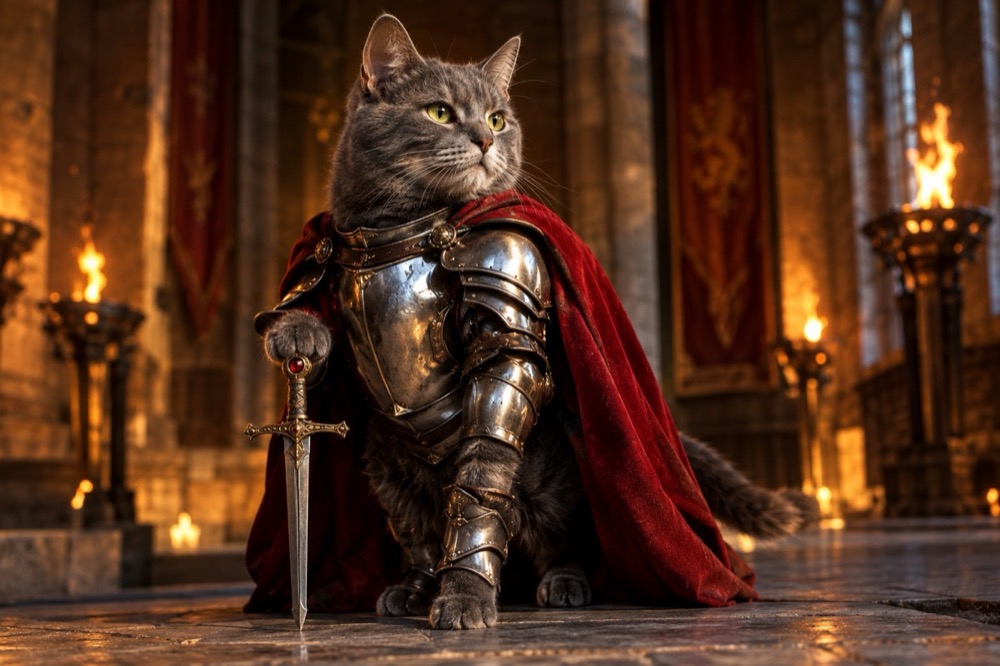
이미지1 크레딧Knight Cat 이미지 생성기
고양이를 2K 스틸 이미지 속 기사로 만들어 보세요. 은빛 판금 갑옷, 붉은 망토, 검을 갖추면서도 고양이의 실제 얼굴과 무늬는 그대로 유지됩니다. 1 credit.
도구 열기 →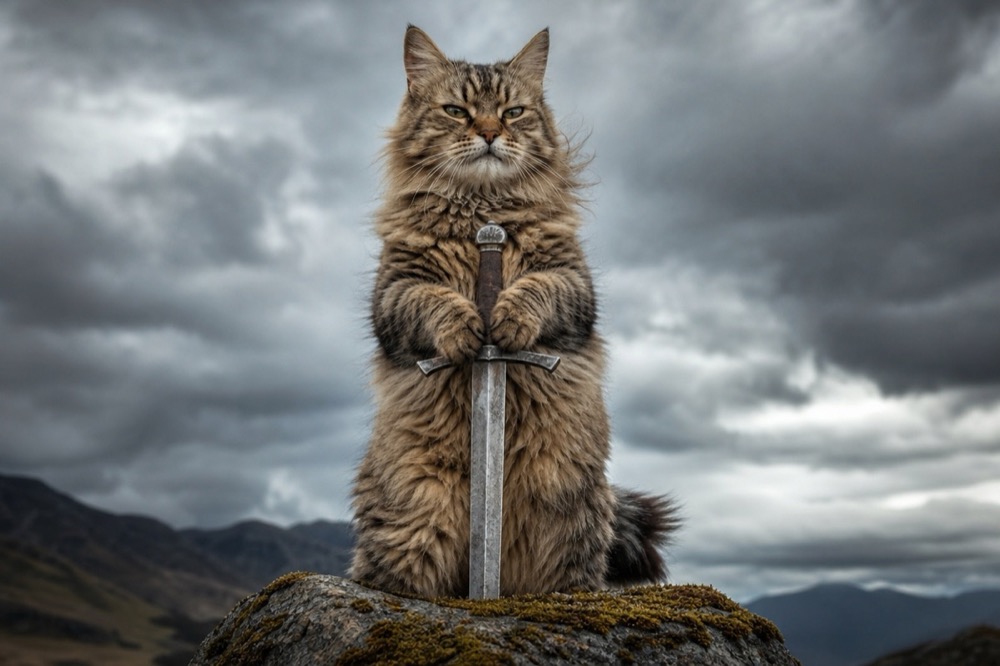 이미지1 크레딧
검 든 고양이 밈 생성기
고양이 사진 한 장을 약 30초 만에 검을 든 고양이 밈으로 바꿔 보세요. 업로드 한 번, 1 credit, 2K 이미지, 워터마크 없음, 프롬프트 작성도 필요 없습니다.
도구 열기 →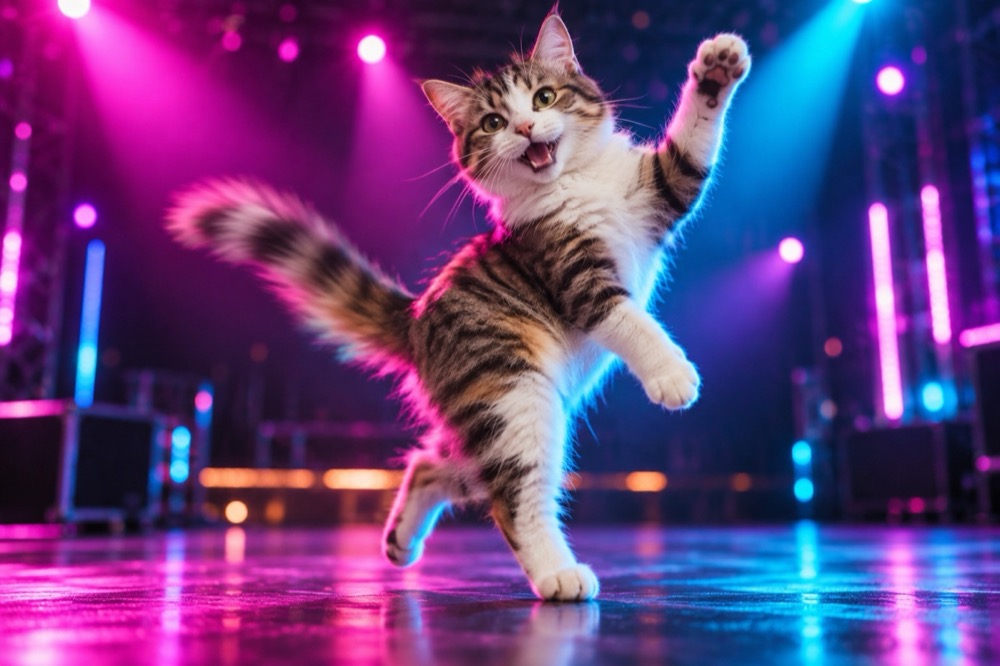 영상5 크레딧
고양이 댄스 영상 생성기
고양이 사진 한 장을 5초짜리 댄스 영상으로: 통통 튀기, 디스코 앞발, 또는 한 바퀴 돌고 포즈 잡기. 5 credits로 720p 세로 클립, 워터마크 없음.
도구 열기 →전체 도구
 이미지1 크레딧
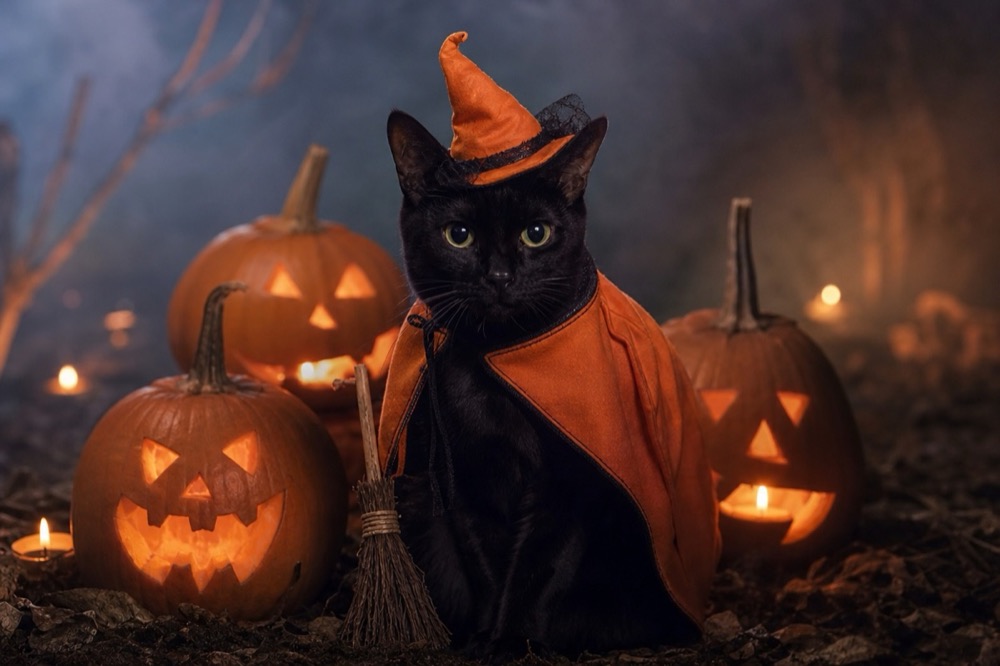
고양이 할로윈 코스튬 생성기
코스튬을 사지 않고도 고양이를 할로윈 분장시키세요: 호박 마녀, 유령 유니콘, 뱀파이어를 사진 한 장으로 2K로 생성합니다. 이미지당 1 credit.
도구 열기 →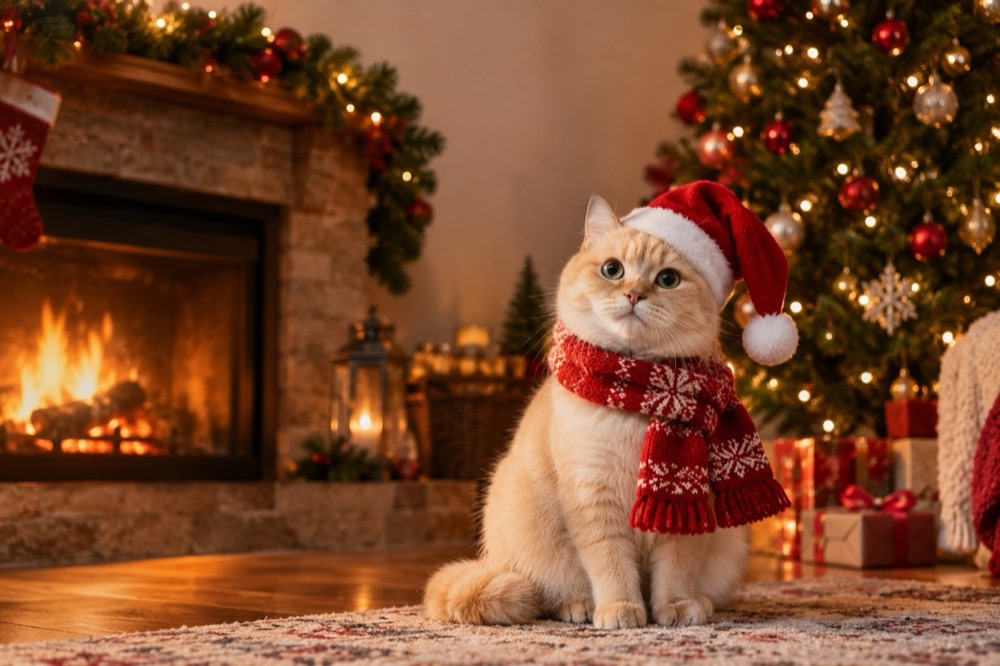 이미지1 크레딧
고양이 크리스마스 카드 생성기
우리 고양이로 크리스마스 카드를 만드세요: 산타 모자, 니트 스카프, 따뜻한 벽난로, 사진 한 장으로 2K 생성. 1 credit, 워터마크 없음.
도구 열기 →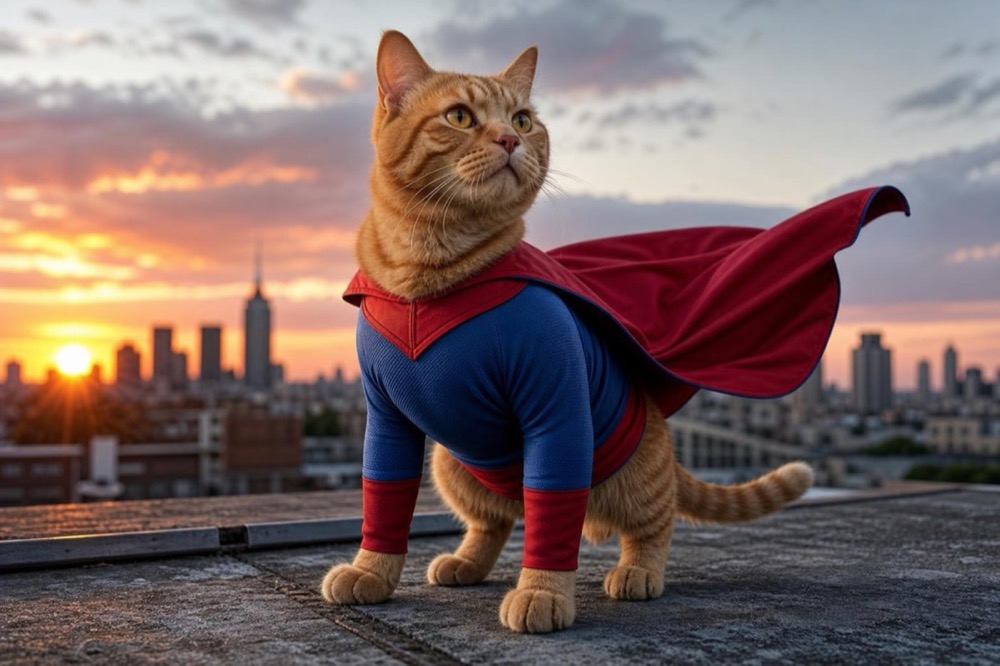 이미지1 크레딧
고양이 슈퍼히어로 생성기
고양이에게 슈퍼히어로 슈트와 망토를 입혀 2K 초상화로 만들어 보세요. 루프톱 히어로, 코스믹 가디언, 타이니 사이드킥 중에서 고를 수 있습니다. 1 credit, 워터마크 없음.
도구 열기 →