Cat Dance Video: How to Animate One Photo
Turn one cat photo into a five-second dancing video. What the model can animate, how to write the prompt, and why a fixed camera beats a fancy routine.
 Knight Cat AI Team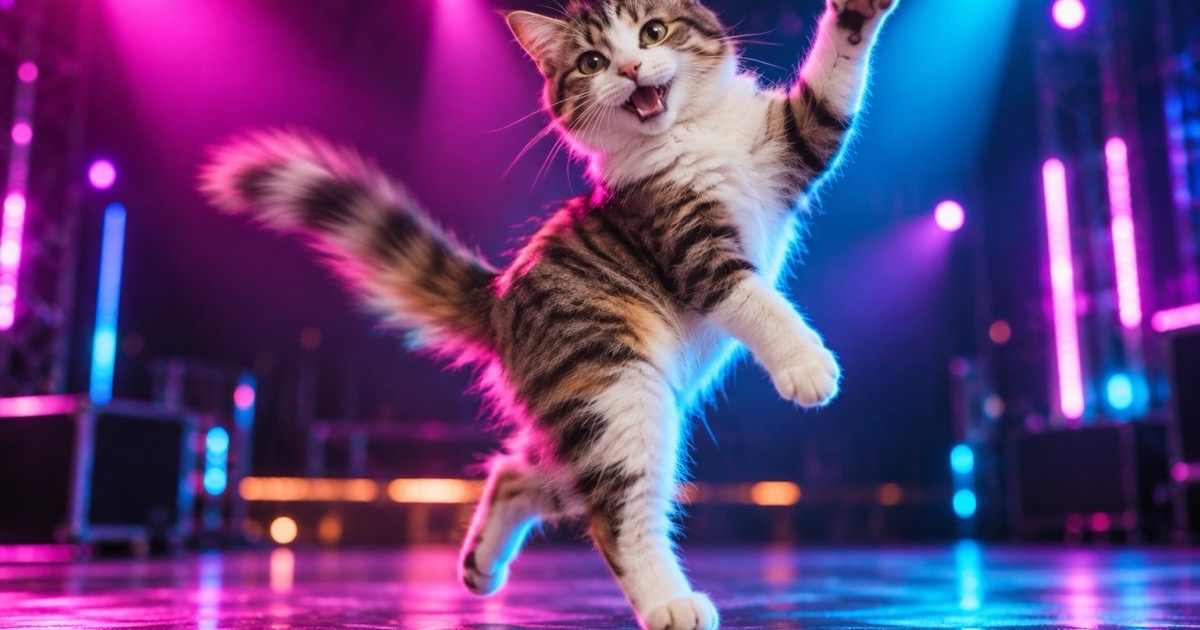
A dancing cat video is one of the few AI video formats that works reliably from a single photo. The reason is not that the model is good at dancing. It is that the format asks for a small, controlled motion in a fixed frame, which is exactly the kind of motion an image-to-video model can hold together for five seconds.
This guide explains what the generator can and cannot do, how the three presets differ, and the photo and prompt choices that separate a clip that looks alive from one that looks like a warped JPEG.
Generated images are AI-made. Do not present them as photographs of a real event, and only upload photos you have the right to use.
What five seconds can actually do
Five seconds is enough for one action. A bounce. A head bob. A paw lifted toward the camera. A slow turn. It is not enough for a choreography, a costume change and a scene transition, and a prompt that asks for all three will produce a smear.
The most common failure in AI video is an ambitious prompt. The model tries to satisfy every instruction at once, and the result loses the cat's face halfway through. The presets in this tool deliberately ask for one action and one camera behaviour. That is not a limitation of imagination; it is the condition for a usable clip.
The same logic applies to the camera. A fixed camera is more stable than a moving one because the model is not solving camera travel and body motion at the same time. When the camera does move, it should do one thing: a slow push-in, not a push-in plus a pan plus a zoom.
The three presets
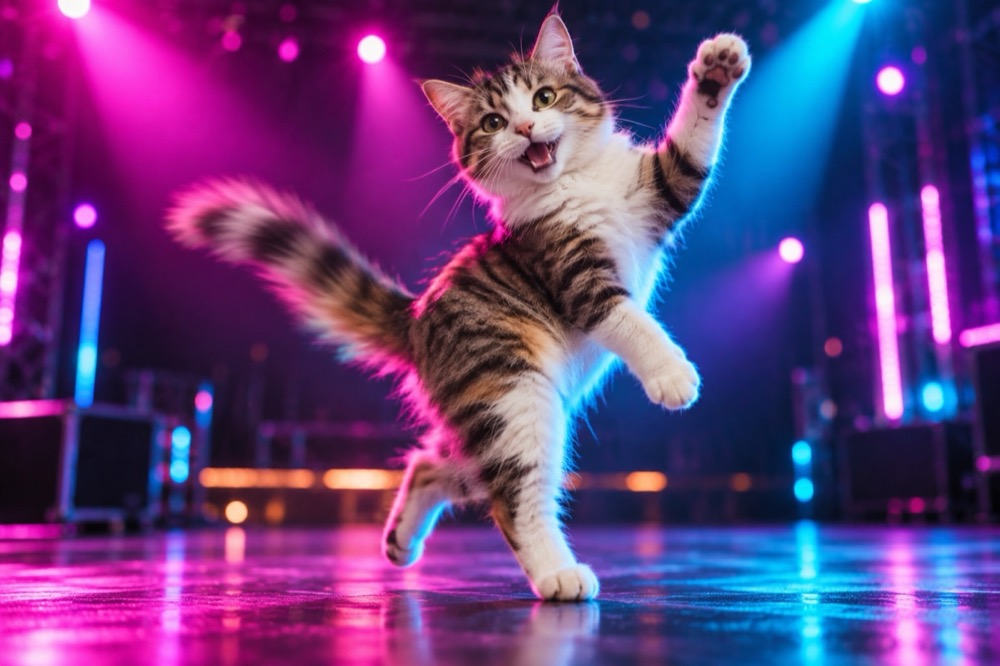
Happy bounce keeps the camera still and moves the body. The cat bounces gently on its hind legs, sways left and right, and lifts one front paw. It is the safest preset and the one that reads as a dance at a glance.
Disco paws adds coloured stage light behind the cat and a small side-step with a head bob. The light is doing as much work as the motion: it signals "performance" without asking the cat to do anything physically implausible.
Spin and pose is the slowest and the most cinematic. The cat turns in a slow circle and stops to face the camera, with a gentle push-in. It suits a calm cat and a portrait-style clip.
All three are editable. If you want a specific move, describe it as one action with a clear start and end: "lifts the left paw, holds it for a beat, lowers it". A sequence of three moves is a different, much harder request.
The photo is the first frame
The model uses the uploaded photo as the first frame. That makes the photo the most important decision in the whole process.
Use a photo where the full body is visible. A head-only crop leaves no paws to move, and the model will either invent them or keep the frame almost static. A sitting cat with the front paws visible is the best compromise between a clear face and something to animate.
Use a plain or simple background. A patterned rug or a shelf full of objects gives the model more to warp when the cat moves. The presets add simple stage light or soft daylight, which hides small background drift.
Use a sharp photo. Motion blur in the source becomes motion blur in the result, and the model cannot tell the difference between artistic blur and a missed focus.
Writing a prompt that holds together
A useful prompt has four parts, in this order:
- The subject and the identity instruction. "Keep the uploaded cat's face, fur markings, eye colour and body proportions exactly as photographed."
- One action. "It bounces gently on its hind legs, sways left and right, and lifts one front paw."
- One camera behaviour. "Fixed camera" or "a slow push-in".
- The constraints. "No morphing, no extra limbs, no text, no watermark."
That structure works for almost any short pet clip. The identity instruction is not optional: without it, the model is free to drift toward a generic cat, and the whole point of using your own photo disappears.
Keep the prompt under about 120 words. Long prompts do not make the motion better; they make the model choose which instructions to ignore.
Posting a five-second clip
The default output is 9:16 at 720p. That is the native shape for TikTok, Reels, Shorts and Stories. The clip is silent on purpose, so you can add a trending sound in the app without a rights conflict.
For a feed post, a 1:1 crop works better than 9:16 because the platforms crop vertical video in the feed. For a YouTube intro or a presentation loop, 16:9 is the right shape.
Download the MP4 and upload it natively. Re-uploading a recompressed version from another app is the fastest way to lose the fur detail that makes the clip convincing.
What it costs and how long it takes
A five-second clip costs 5 credits. A ten-credit pack is $9.90 and covers two clips; a subscription lowers the cost per clip if you post regularly. A failed render is refunded automatically.
Most clips finish in two to four minutes. You can leave the page; the render continues and the result appears when you come back. If the first clip is close but not quite right, generate a second variation rather than editing the prompt five times. The pose varies between renders, and the second try is often the keeper.
When a still is the better choice
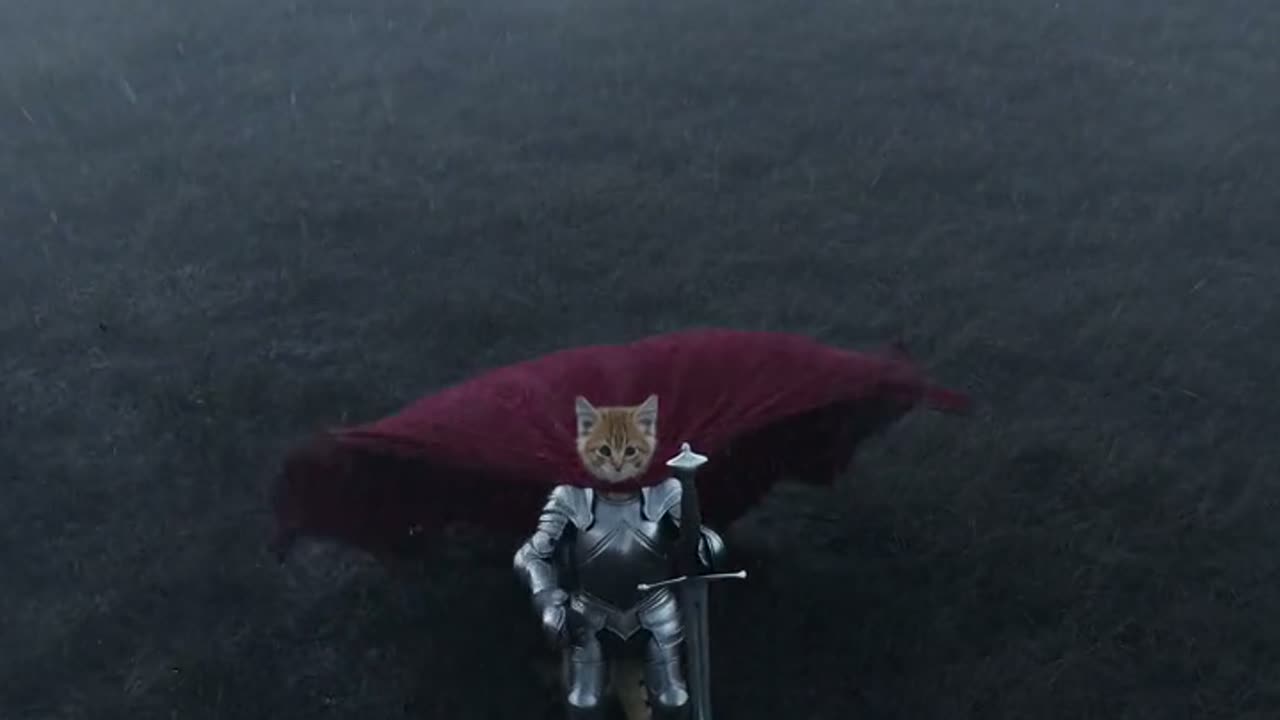
If you need a profile picture, a printed card or a file that loads instantly in a group chat, a still image is better. The knight cat image generator returns a 2K portrait for one credit, and the same photo can be animated later if you decide you want motion.
The still is also the cheaper way to test whether the look works. Generate the portrait first, then animate the version you like. That order saves credits and gives you a fallback if the video model is busy.
Frequently asked questions
Does the cat keep its face? Yes, when the source photo is clear. The model uses the photo as the first frame and is instructed to preserve the face, fur, markings and body proportions.
How long is the clip? Five seconds at 720p. Vertical 9:16 is the default; 1:1 and 16:9 are also available.
Does the video have sound? No. The clip is silent so you can add a trending sound in the app.
How much does it cost? 5 credits per clip. A ten-credit pack is $9.90 and covers two clips; failed renders are refunded.
Can I animate a photo of two cats? One cat per photo works best. Two animals in one frame make identity preservation much harder, and the model may merge or duplicate them.
Knight Cat AI Team
Knight Cat AI turns one cat photo into a tiny armoured knight video. An independent tool, not affiliated with any film, game or franchise.