Video5 credits
Cat Dance Video Generator
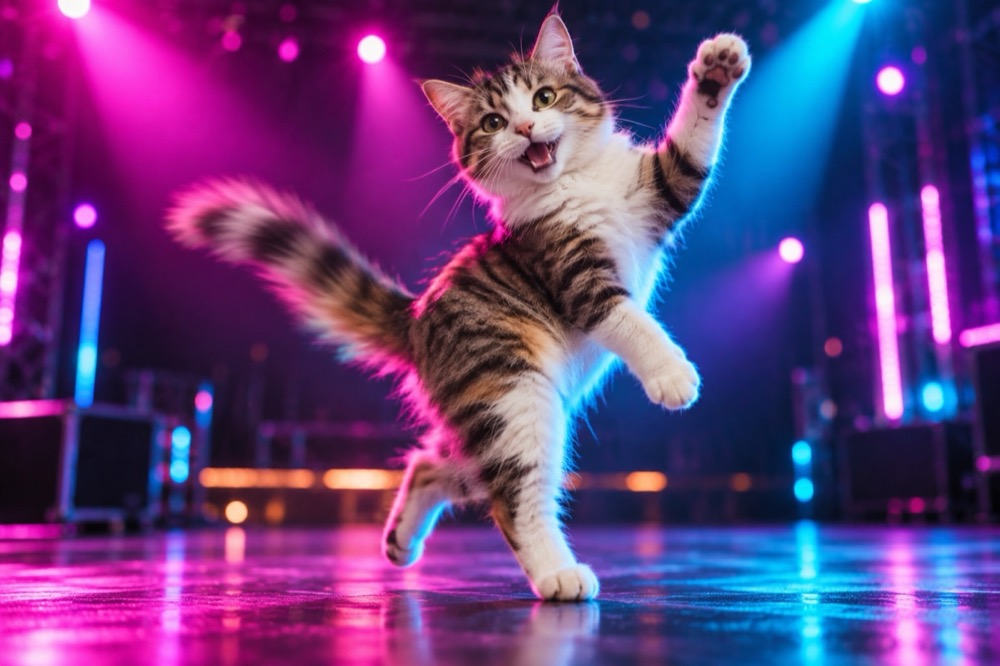
A dancing cat video is the version of the joke that stops a scroll. This tool takes one photo and animates a short, controlled dance — a bounce, a head bob, a paw raised to the camera — while keeping the cat's face, fur and markings exactly as photographed.
The output is a five-second 720p clip, vertical by default for TikTok, Reels and Shorts. It costs 5 credits and carries no watermark.
Generated images are AI-made. Do not present them as photographs of a real event, and only upload photos you have the right to use.
How a photo becomes a dance
Image-to-video models do not invent a new cat. They use the uploaded photo as the first frame and generate motion from there, which is why identity stays stable when the motion is small and the camera is fixed.
The presets follow that constraint. Happy bounce keeps the camera still and moves the body. Disco paws adds coloured stage light but keeps the cat in place. Spin and pose uses a slow camera push rather than a cut. None of them ask for a costume change, a scene change and a dance in the same five seconds.
That restraint is deliberate. The most common failure in AI video is asking for too many actions at once: the model spreads its attention and the result smears.
What makes the animation hold up
A clear, front-facing photo with the full body in frame gives the model the most to work with. A head-only crop leaves no paws to move.
A plain background is easier to animate than a busy one. If the cat is on a patterned rug in front of a shelf of objects, small motion can cause the background to warp. The presets add simple stage light or soft daylight, which hides most of that.
Keep the first clip simple. A gentle bounce that reads as a dance is better than an ambitious routine that turns into a blur. If the first result is good, generate a second variation and pick the better one; each render is independent.
Formats and where to post
The default is 9:16 at 720p, five seconds. That is the native shape for TikTok, Reels, Shorts and Stories, and it leaves room for the app's own captions and buttons.
A 1:1 version suits a feed post or a Discord embed; 16:9 works for a YouTube intro or a presentation loop. The clip has no audio, so add a sound in the app — a short loop or a trending audio works better than a voiceover.
Download the MP4 and upload it natively. Re-uploading a watermarked or recompressed version from another app is the fastest way to lose quality.
Credits and turn-around
Each five-second clip costs 5 credits. Credit packs start at $9.90 for 10 credits, so the smallest pack covers two clips; a subscription gives a lower cost per clip. Failed renders are refunded automatically.
Most clips finish in 2–4 minutes. You can leave the page — the render continues and the result appears in the result card when you return. If you want a still image first, the knight cat image generator costs 1 credit and gives you a frame to test the look.
Questions people ask first
How long is the video?
Five seconds at 720p. Vertical 9:16 is the default; 1:1 and 16:9 are also available.
Does the cat keep its face?
Yes, when the source photo is clear. The model uses the photo as the first frame and is instructed to preserve the face, fur, markings and body proportions.
How long does a render take?
Most clips finish in 2–4 minutes. You can leave the page; the render continues in the background.
Does the video have sound?
No. The clip is silent so you can add a trending sound in TikTok, Reels or Shorts without a rights conflict.
How much does it cost?
5 credits per five-second clip. A 10-credit pack is $9.90 and covers two clips; failed renders are refunded.
More tools for this photo
The same upload can become a still, a meme or a short clip.
 Video5 credits
AI Video Editor for Pet Clips
Upload a short pet clip and restyle it with AI: castle courtyard, VHS 1985 or autumn leaves. Keeps the cat and its motion. 5 credits.
Open tool →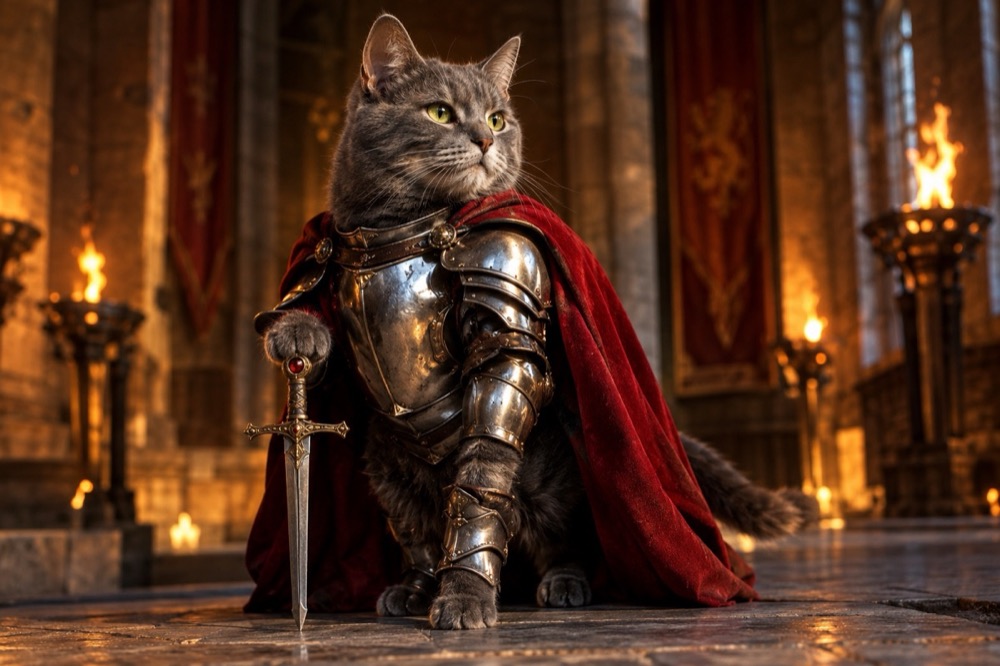 Image1 credit
Knight Cat Image Generator
Turn your cat into a knight in a 2K still image: silver plate, a red cape and a sword, with your cat's real face and markings preserved. 1 credit.
Open tool →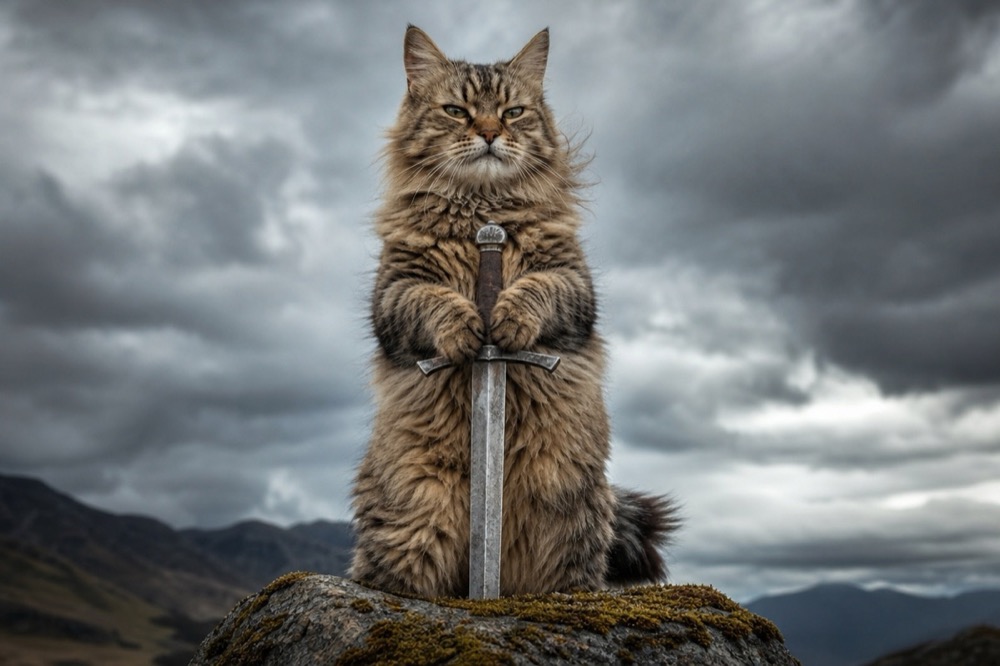 Image1 credit
Cat With Sword Meme Generator
Turn a photo of your cat into a cat-with-sword meme in about 30 seconds. One upload, one credit, a 2K image, no watermark and no prompt to write.
Open tool →One photo is enough to start
Pick a tool, upload the clearest photo you have, and the first result is usually ready before you finish reading the page.
All tools
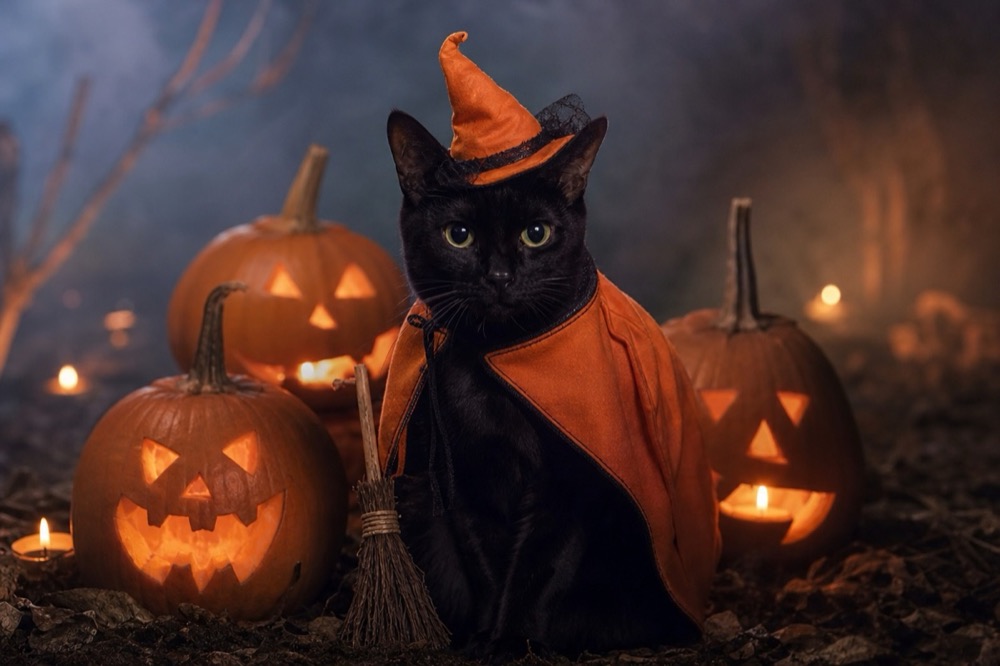 Image1 credit
Cat Halloween Costume Generator
Dress your cat for Halloween without buying a costume: pumpkin witch, haunted unicorn or vampire, generated from one photo in 2K. 1 credit per image.
Open tool →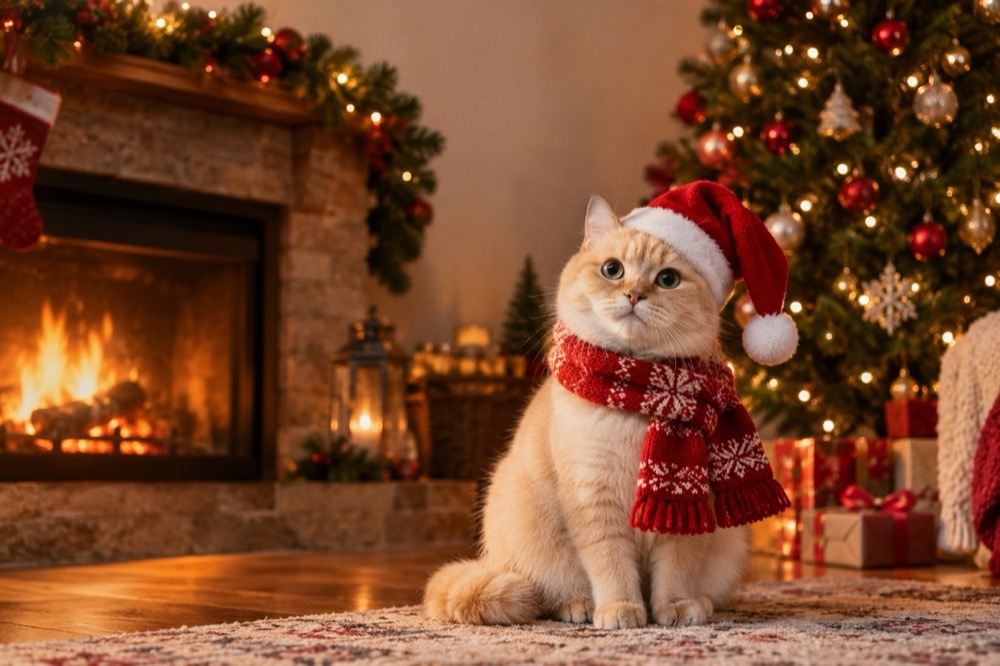 Image1 credit
Cat Christmas Card Generator
Make a Christmas card with your own cat: Santa hat, knitted scarf and a warm fireside, generated in 2K from one photo. 1 credit, no watermark.
Open tool →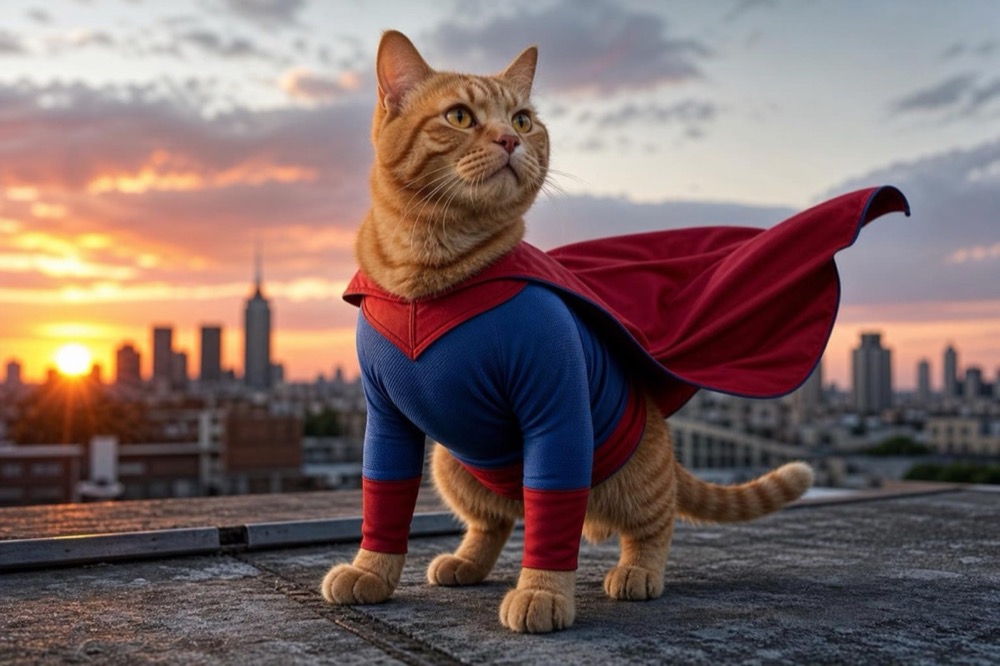 Image1 credit
Cat Superhero Generator
Give your cat a superhero suit and cape in a 2K portrait. Choose a rooftop hero, a cosmic guardian or a tiny sidekick. 1 credit, no watermark.
Open tool →