Image1 credit
Cat Christmas Card Generator
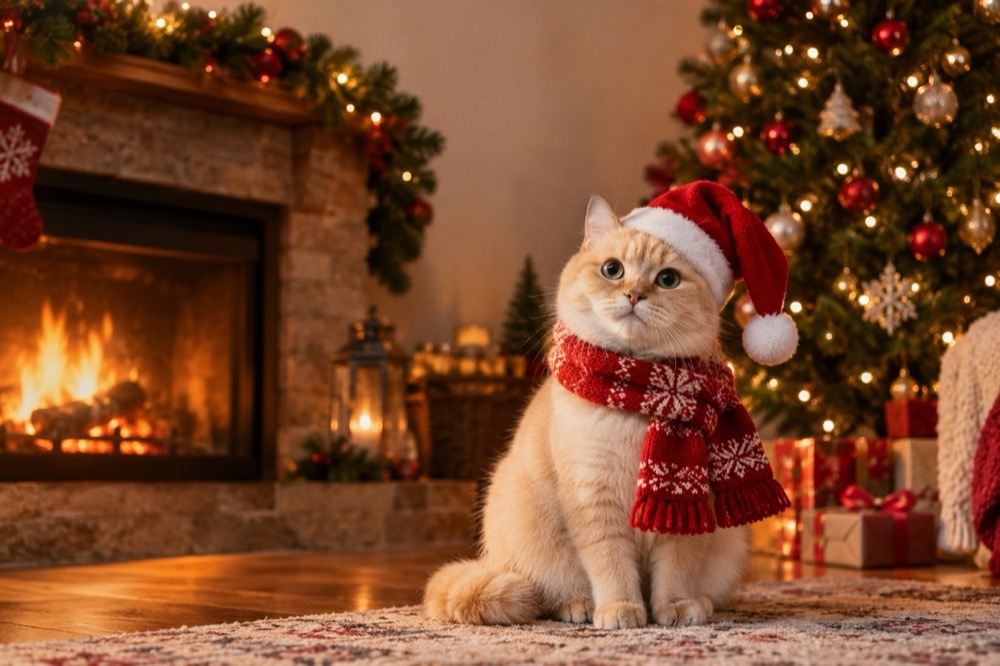
A Christmas card with the cat on it is the one card people keep. This tool turns a single photo into a warm, print-ready holiday portrait — Santa hat, scarf, fireplace, tree — without a photoshoot, a costume or a cat that refuses to sit still.
Every look leaves deliberate empty space at the top of the frame for a greeting, so you can add "Merry Christmas from the Smiths" in any editor without covering the cat.
Generated images are AI-made. Do not present them as photographs of a real event, and only upload photos you have the right to use.
Three card scenes
Fireside is the classic: a red Santa hat, a cream knitted scarf, a fireplace and a decorated tree behind. Warm bokeh lights keep the background soft so the cat stays the subject.
Snow window is quieter: the cat on a windowsill in a knitted jumper, snow falling outside, a cup of cocoa and the tree reflected in the glass. It suits a smaller, more intimate card.
Santa paw is the studio version: a miniature Santa coat and hat, a gift box held in both front paws and a deep red-and-green palette. It is the most graphic of the three and the easiest to print at small sizes.
Designing a card that prints well
Leave the greeting until last. Generate the portrait first, then place your text in the empty area at the top. A 4:5 crop gives you a tall card; 1:1 suits a square insert; 16:9 works for a digital card or an email header.
Keep the cat's face at least a third of the way down the frame. Card printers trim a few millimetres on every edge, and a face pressed against the top margin is the first thing to get cut.
For a physical card, the 2K JPEG prints cleanly at 5×7 inches. If you are ordering a larger format, upscale the file first rather than letting the printer do it.
What stays the same, and what changes
The cat's face, fur colour, markings, eye colour and body proportions stay anchored to your photo. The hat, scarf, jumper, fireplace and tree are generated around it.
That is why the photo should show the cat's face clearly and not be a extreme close-up of one eye. A sitting cat with a visible chest gives the model somewhere to place the scarf and coat. A cat already wearing a collar is fine; the model can keep it or replace it depending on the preset.
If the first result crops an ear or hides the face behind a hat, run it again. The pose varies slightly between renders, and the second try is often the keeper.
Credits and delivery
Each card portrait costs 1 credit; a 10-credit pack is $9.90. Failed renders are refunded to your balance. Output is a 2K JPEG with no watermark, usually in 20–40 seconds.
If you want the card to move — a small head tilt, a blinking eye, a flickering fire — the same photo can be animated in the cat dance video generator for 5 credits.
Questions people ask first
Can I add my family name to the card?
Yes. Generate the portrait first, then add text in any editor. Every preset leaves space at the top of the frame for a greeting.
What size can I print?
The 2K JPEG prints cleanly at 5×7 inches. For larger cards or posters, upscale the file before printing.
Will the hat cover my cat's ears?
The model is told to keep the face readable, but hats can shift between renders. If an ear or eye is covered, generate again with the same preset.
Is there a free version?
No. One image costs 1 credit and packs start at $9.90 for 10 credits. A failed render is refunded automatically.
Can I use the card for a business greeting?
Yes, for your own business greeting, provided you own the photo and do not imply a brand endorsement. Do not use a logo or character you do not have rights to.
More tools for this photo
The same upload can become a still, a meme or a short clip.
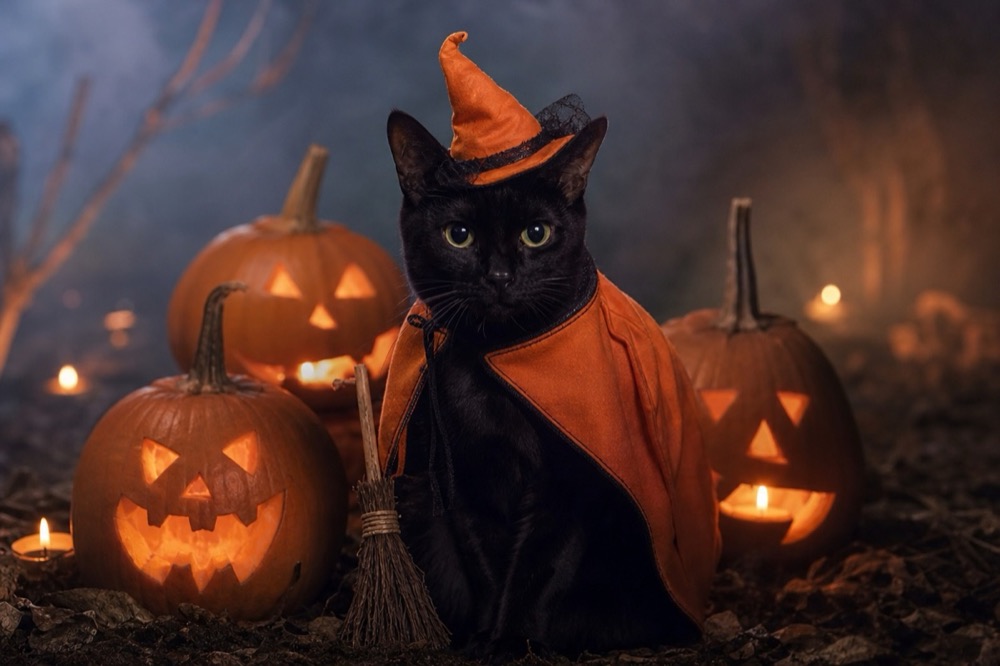 Image1 credit
Cat Halloween Costume Generator
Dress your cat for Halloween without buying a costume: pumpkin witch, haunted unicorn or vampire, generated from one photo in 2K. 1 credit per image.
Open tool →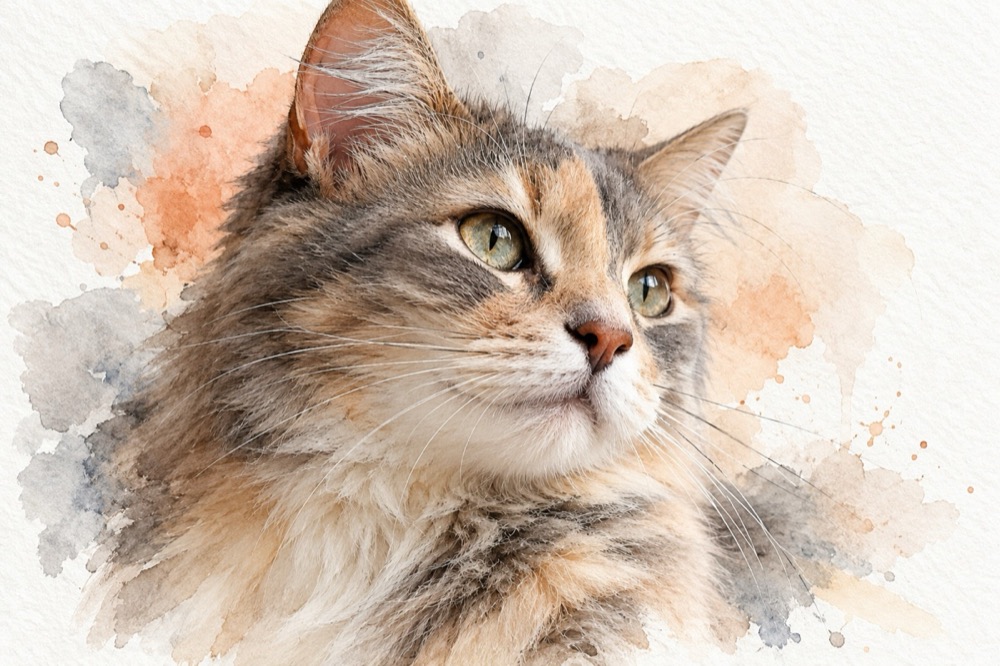 Image1 credit
Cat Watercolor Portrait Generator
Turn a cat photo into a watercolor portrait on textured paper: soft washes, fine ink whiskers and white margins. 2K image for 1 credit.
Open tool →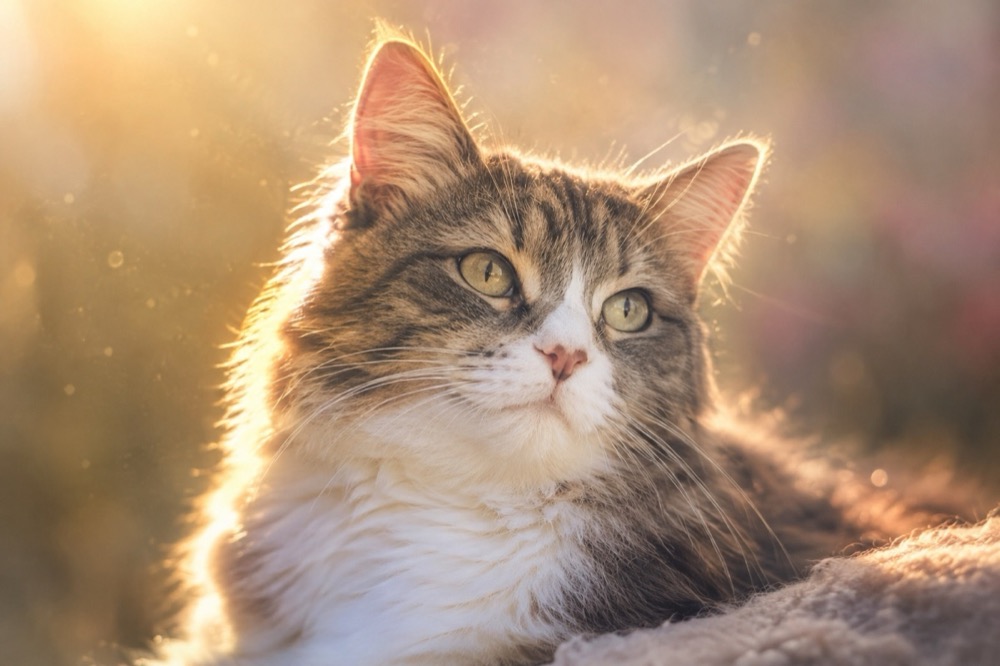 Image1 credit
Pet Memorial Portrait Generator
Create a calm memorial portrait from a photo of your cat: golden light, soft backgrounds and a faithful likeness. 2K image, 1 credit.
Open tool →One photo is enough to start
Pick a tool, upload the clearest photo you have, and the first result is usually ready before you finish reading the page.
All tools
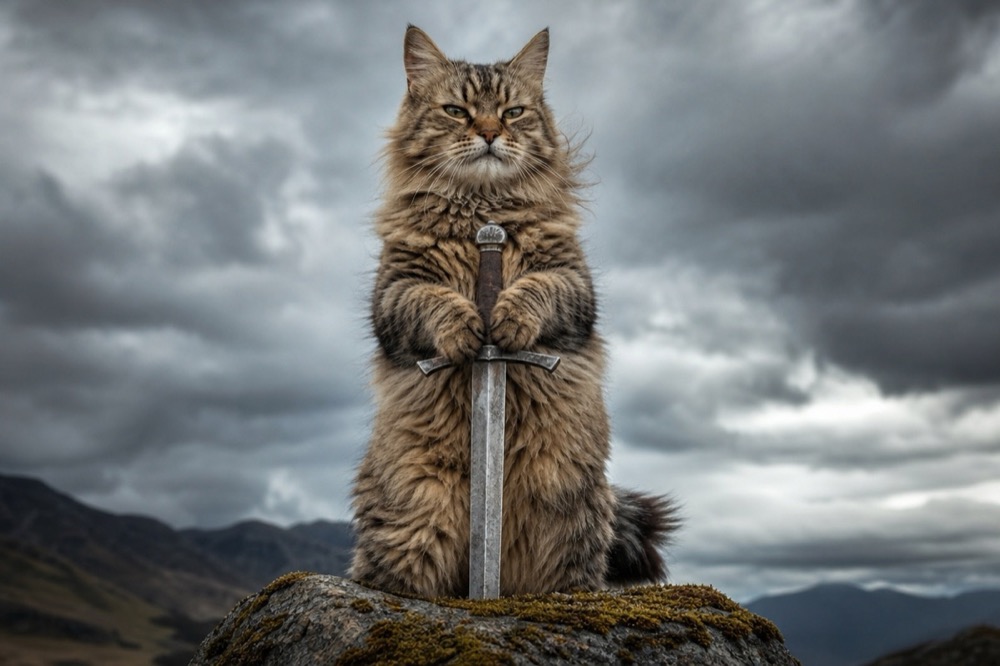 Image1 credit
Cat With Sword Meme Generator
Turn a photo of your cat into a cat-with-sword meme in about 30 seconds. One upload, one credit, a 2K image, no watermark and no prompt to write.
Open tool →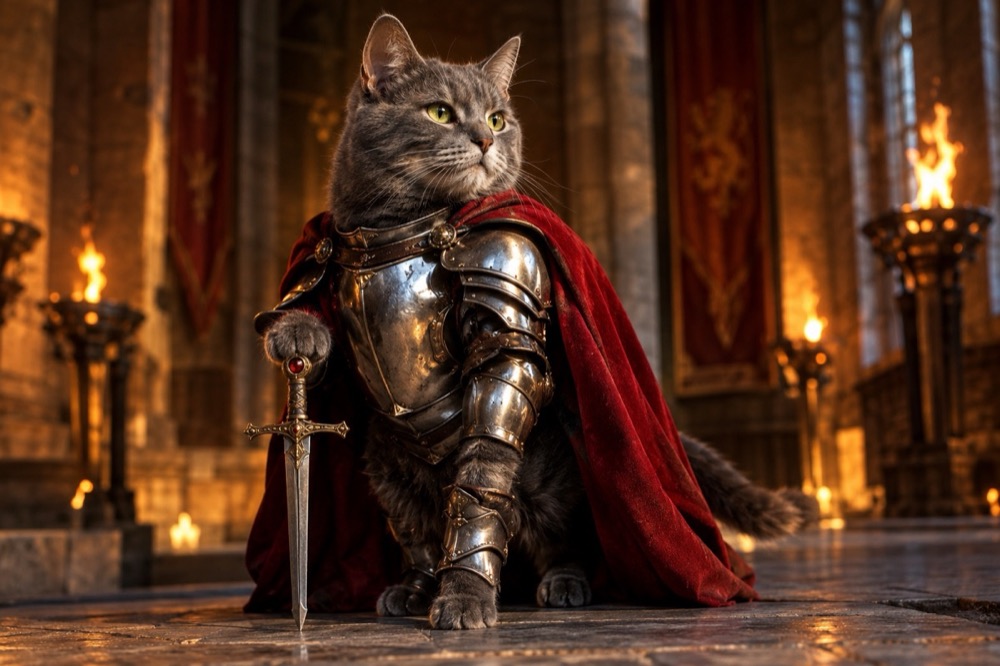 Image1 credit
Knight Cat Image Generator
Turn your cat into a knight in a 2K still image: silver plate, a red cape and a sword, with your cat's real face and markings preserved. 1 credit.
Open tool →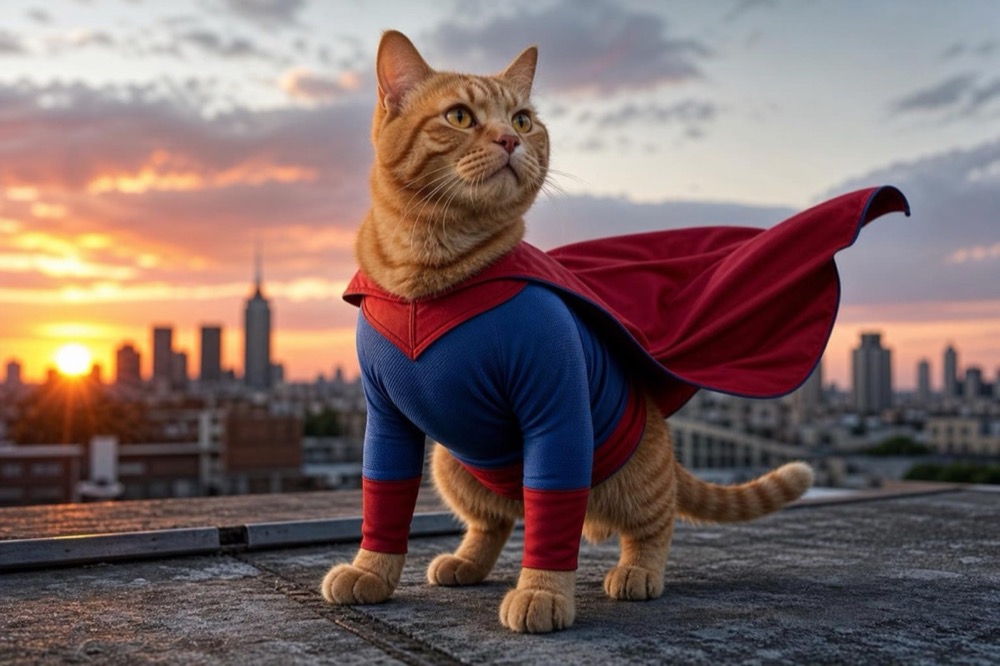 Image1 credit
Cat Superhero Generator
Give your cat a superhero suit and cape in a 2K portrait. Choose a rooftop hero, a cosmic guardian or a tiny sidekick. 1 credit, no watermark.
Open tool →