Image1 credit
Cat Renaissance Portrait Generator
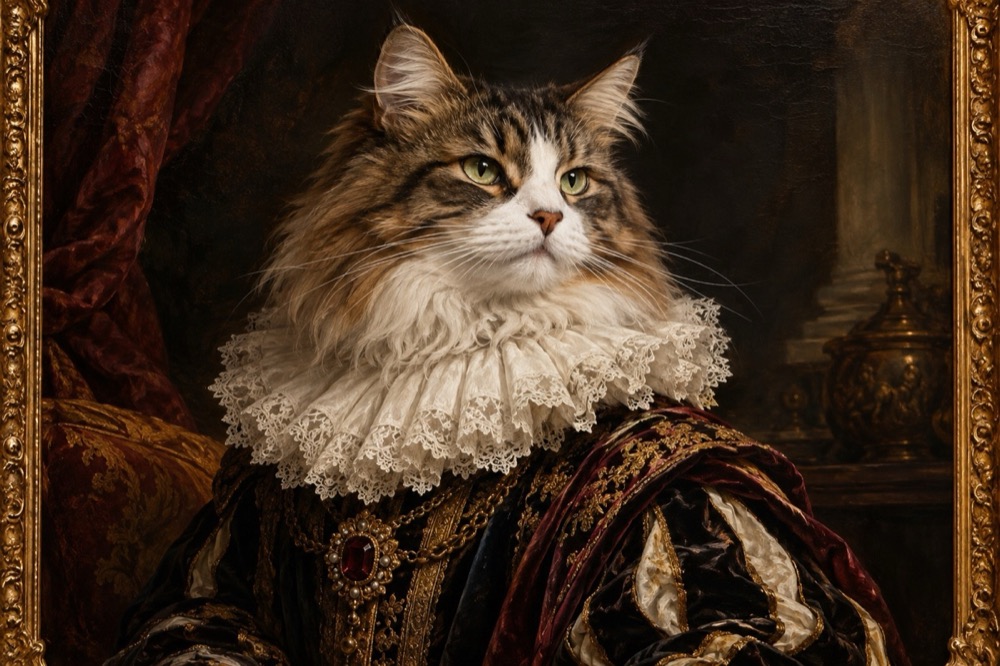
A Renaissance portrait says something a phone photo cannot: this animal is important enough to sit for a painter. This tool paints your cat in that language — a ruffled collar, a dark varnished background, dramatic light and visible brushwork — while keeping the face and markings recognisable.
The result is a 2K image that looks at home in a gilt frame. It is also the most giftable output on the site, because it reads as art first and as a pet photo second.
Generated images are AI-made. Do not present them as photographs of a real event, and only upload photos you have the right to use.
The three painting styles
Noble cat is the formal court portrait: a deep ruffled lace collar, a velvet curtain, dark oils and a single strong light source. It is the closest to a museum painting.
Royal court widens the frame: the cat sits on a velvet cushion as a small duke, with a silver goblet and a folded letter nearby. The extra objects make it feel like a scene rather than a headshot.
Botanical study moves to the 19th century: precise fur detail, sepia and sage washes, a sprig of rosemary and a butterfly. It is softer and more naturalist than the other two.
Why brushwork matters more than costume
The difference between a photo with a filter and a portrait is the surface. Real oil paintings show the direction of the brush, slight irregularities in the varnish and a softness at the edges where the paint thins.
The presets ask for visible brushwork and craquelure because those cues do most of the work. A costume alone reads as cosplay; a costume plus a painted surface reads as a portrait.
That is also why the background is deliberately dark. A bright, busy background flattens the light and makes the image look like a digital collage. A dark ground lets one light source model the face and the collar.
What to upload
A clear, front-facing photo works best. The model needs the face and markings to paint them accurately, and the chest to place the collar.
A photo with strong side light is a good starting point because it already has the shadow structure of a portrait. Flat, even light is not fatal, but the first result may look more like an illustration than an oil painting.
If your cat has a distinctive eye colour, mention it in the prompt. Painters exaggerated eye colour for effect, and the model will follow the same convention.
Printing, credits and formats
Each portrait costs 1 credit; a 10-credit pack is $9.90. Failed renders are refunded. Output is a 2K JPEG with no watermark.
4:5 is the classic portrait crop and the best choice for a frame. 1:1 suits a square print or an avatar, and 9:16 works as a phone wallpaper. For a large canvas, upscale the file or regenerate at a higher resolution before printing.
Questions people ask first
Does it look like a real painting or a photo filter?
The presets ask for visible brushwork, canvas texture and craquelure. It reads as a painting rather than a photo with a filter, especially at print size.
Can I choose a different art period?
Yes. Edit the prompt to describe the period and the surface — for example "Dutch Golden Age, dark background, single window light". Keep the cat's identity instruction intact.
What photo should I upload?
A sharp, front-facing photo with the chest visible. Side lighting helps; heavy filters and sunglasses do not.
Can I print it on canvas?
Yes. The 2K file prints cleanly at standard portrait sizes; for a large canvas, upscale it first.
How much does it cost?
1 credit per portrait. Packs start at $9.90 for 10 credits, and failed renders are refunded automatically.
More tools for this photo
The same upload can become a still, a meme or a short clip.
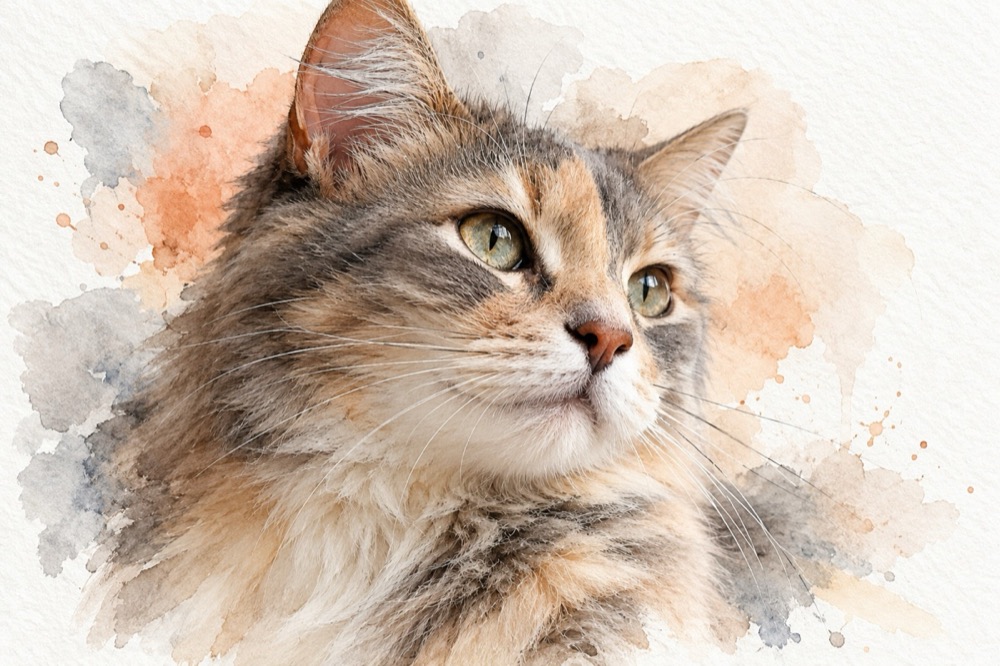 Image1 credit
Cat Watercolor Portrait Generator
Turn a cat photo into a watercolor portrait on textured paper: soft washes, fine ink whiskers and white margins. 2K image for 1 credit.
Open tool →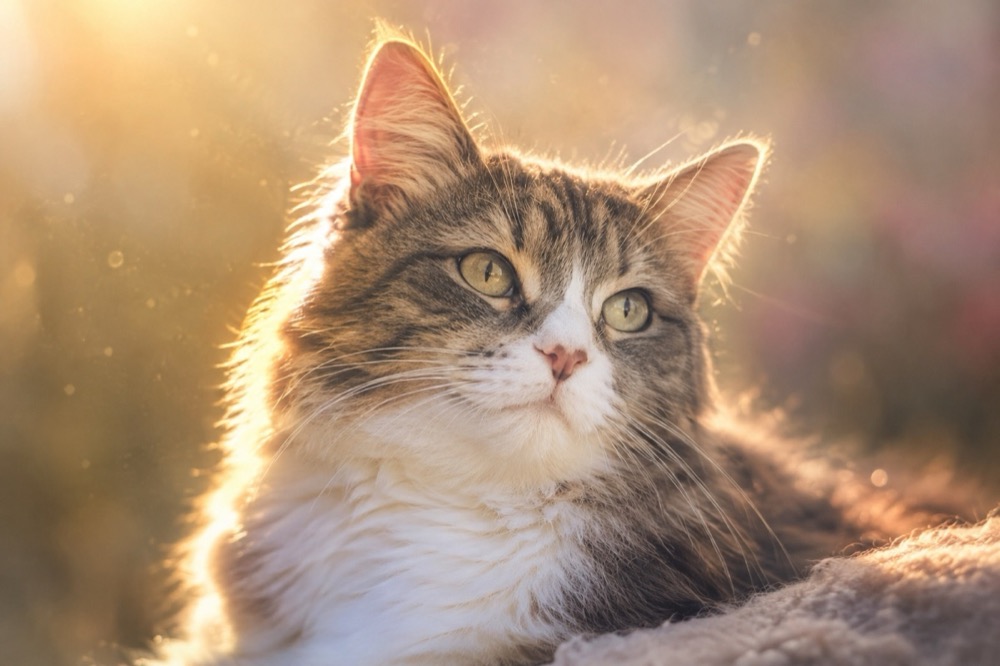 Image1 credit
Pet Memorial Portrait Generator
Create a calm memorial portrait from a photo of your cat: golden light, soft backgrounds and a faithful likeness. 2K image, 1 credit.
Open tool →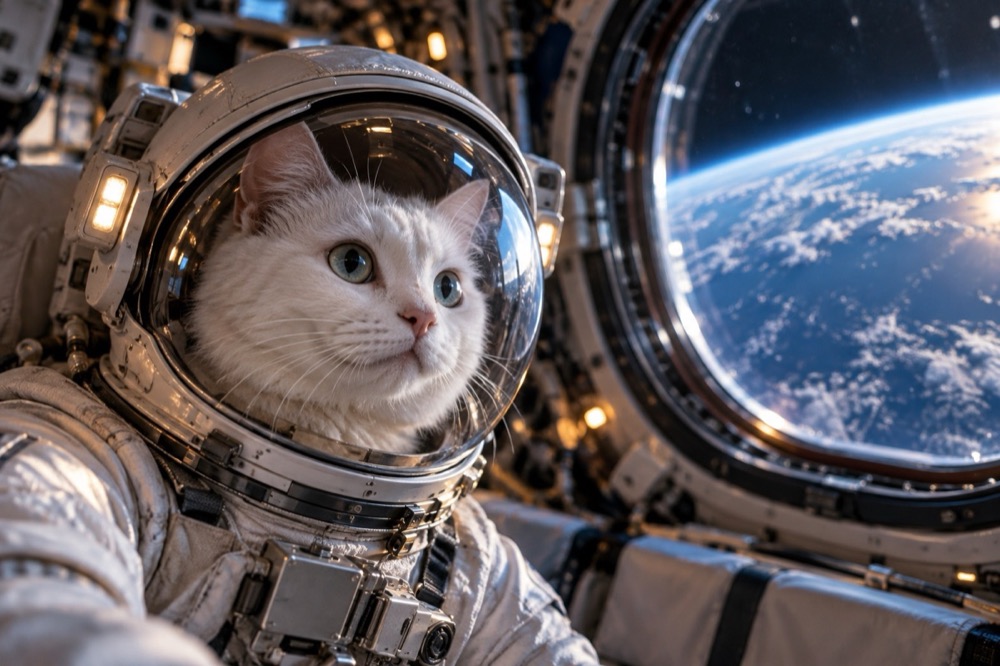 Image1 credit
Cat Astronaut Generator
Put your cat in a realistic astronaut helmet: Earth through the window, a moonwalk or a retro mission-control room. 2K image, 1 credit.
Open tool →One photo is enough to start
Pick a tool, upload the clearest photo you have, and the first result is usually ready before you finish reading the page.
All tools
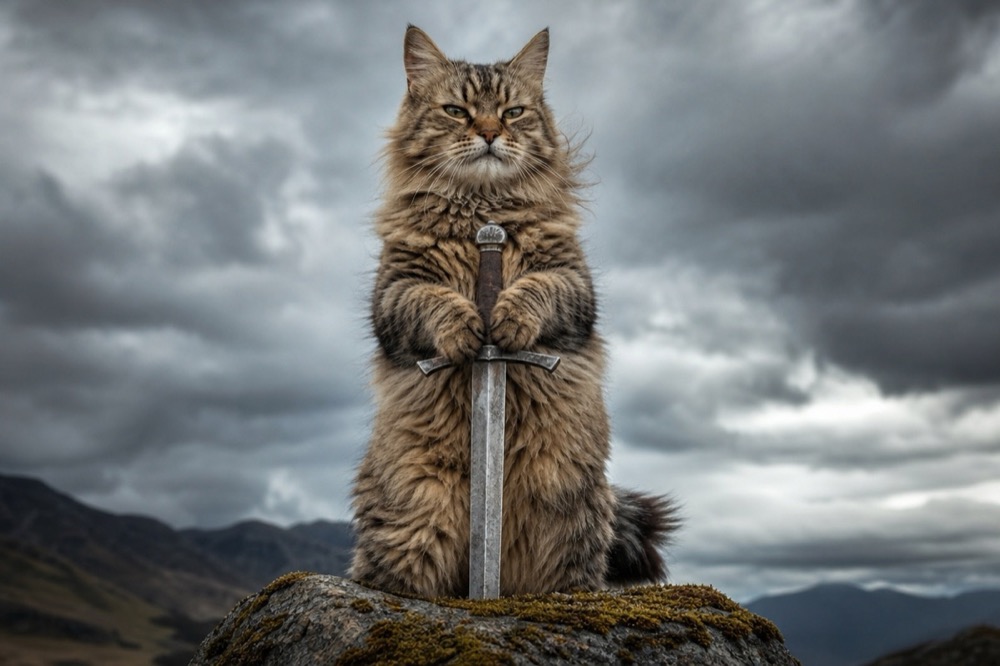 Image1 credit
Cat With Sword Meme Generator
Turn a photo of your cat into a cat-with-sword meme in about 30 seconds. One upload, one credit, a 2K image, no watermark and no prompt to write.
Open tool →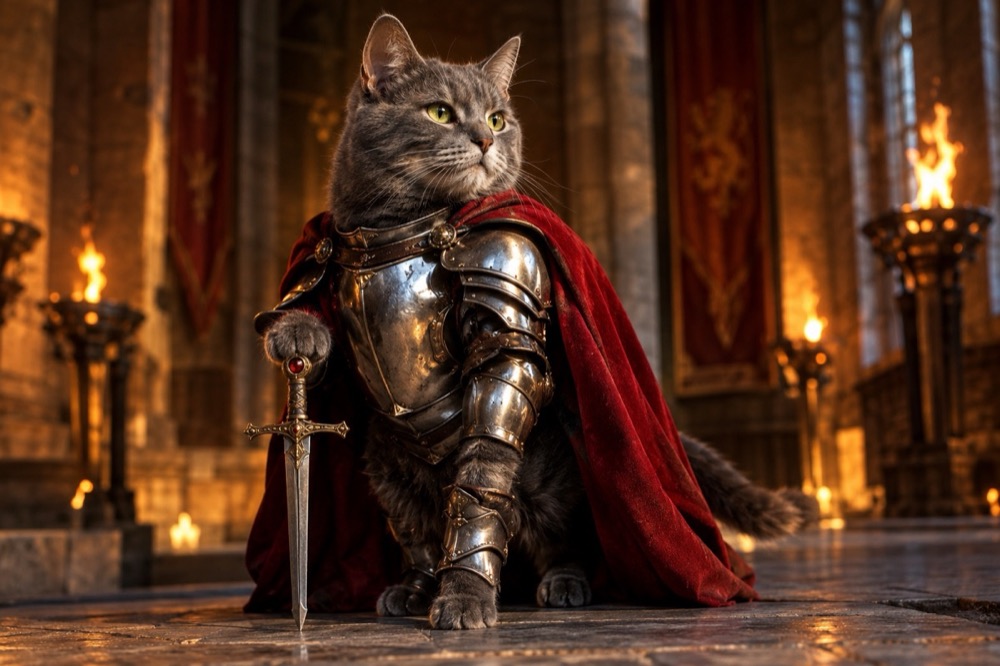 Image1 credit
Knight Cat Image Generator
Turn your cat into a knight in a 2K still image: silver plate, a red cape and a sword, with your cat's real face and markings preserved. 1 credit.
Open tool →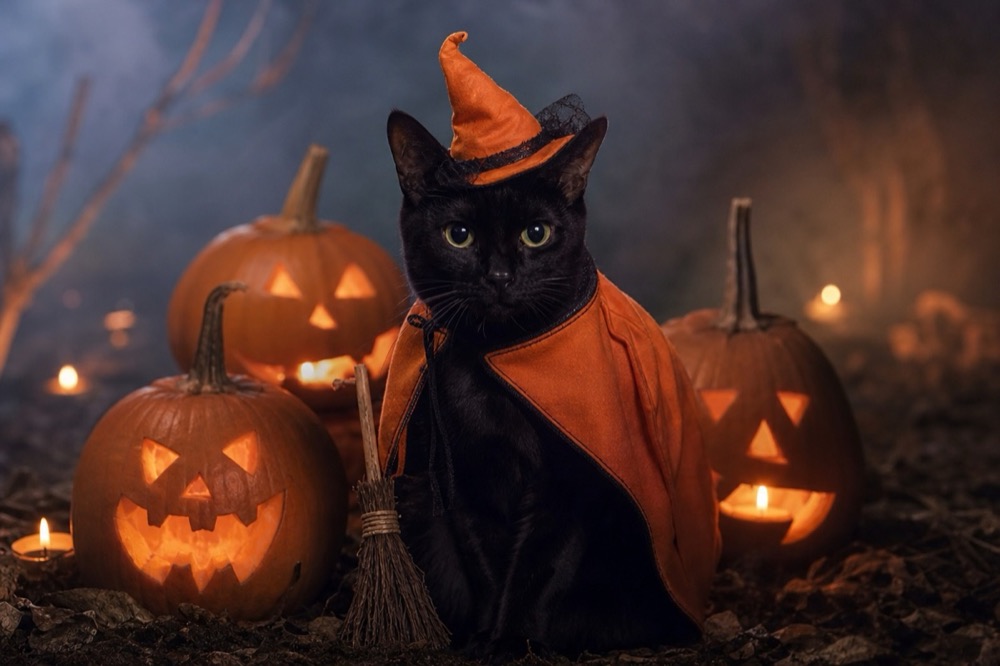 Image1 credit
Cat Halloween Costume Generator
Dress your cat for Halloween without buying a costume: pumpkin witch, haunted unicorn or vampire, generated from one photo in 2K. 1 credit per image.
Open tool →