Image1 credit
Cat Astronaut Generator
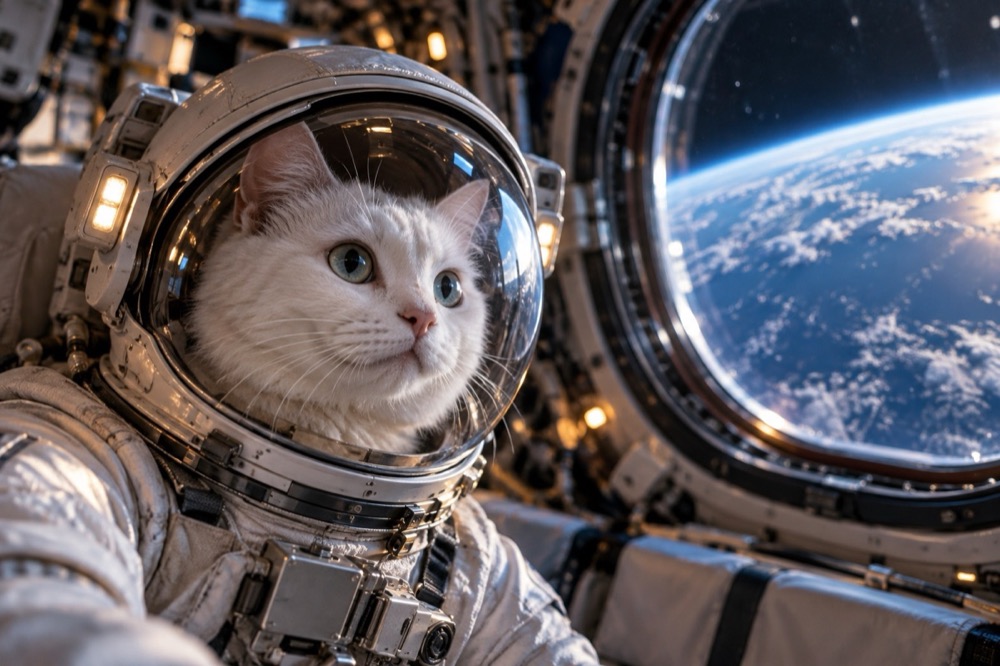
A cat in a space helmet is a visual joke that never quite gets old, but the details decide whether it looks like a costume or a real photograph. This tool builds the helmet, the suit and the environment around your cat's actual face, then returns a 2K portrait.
There is no upload of a space background and no Photoshop. One photo, one credit, and the model handles the reflections, the visor and the lighting.
Generated images are AI-made. Do not present them as photographs of a real event, and only upload photos you have the right to use.
Three space scenes
Earth window is the most convincing: a white astronaut helmet with a clear visor, a space-station module and Earth visible through the window. The blue Earthlight on one side and the warm interior light on the other make the shot feel photographed rather than illustrated.
Moonwalk is the poster version: a full white suit, one paw raised mid-step, a black sky and Earth low on the horizon. It is the strongest choice for a framed print.
Mission control is the retro one: a small commander's chair, a headset and a wall of glowing consoles without readable text. It suits a cat with a serious, slightly bored expression.
Why the visor is the hard part
A helmet is only believable if the visor behaves like glass. It has to reflect the room, bend the light slightly and still let the face read clearly. The presets ask for a clear visor and a realistic reflection rather than a mirrored or opaque one.
That is also why the source photo should have visible eyes. If the cat is squinting or looking away, the face behind the visor becomes a dark shape and the joke collapses. A clear, forward-looking photo gives the model something to protect.
Photo tips for a space portrait
Natural light is better than a flash. A flash produces a hard catchlight in the eyes that can double up with the visor reflection and look wrong.
A photo with the whole head and some chest in frame is more useful than a tight face crop, because the model needs room to build the helmet and the suit collar. If the cat is wearing a collar, the model can keep it as a piece of flight gear or remove it.
If you want the cat to look small inside the helmet, say so in the prompt. The presets keep the head proportions realistic by default, but a slightly oversized helmet is a legitimate look.
Credits, formats and delivery
Each space portrait costs 1 credit; 10 credits cost $9.90. Failed renders are refunded automatically. Output is a 2K JPEG with no watermark, normally in 20–40 seconds.
1:1 works as an avatar, 9:16 as a phone wallpaper, and 16:9 as a desktop background or a video thumbnail. If you want motion, the same photo can go into the cat dance video generator for a five-second clip.
Questions people ask first
Does the helmet cover my cat's face?
The visor is generated clear so the face stays visible. If a render makes the glass too reflective, generate again or add "clear visor, face clearly visible" to the prompt.
Can I use a photo where my cat is looking away?
You can, but the result is weaker. A forward-looking photo with visible eyes gives the model the best chance of keeping the cat recognisable behind the visor.
Is the spacesuit based on a real NASA design?
It is a generic white astronaut suit, not a reproduction of a specific agency's equipment or patch.
How much does a portrait cost?
1 credit. Packs start at $9.90 for 10 credits, and a failed render is refunded automatically.
Can I print the image?
Yes. The 2K JPEG prints cleanly at 5×7 inches and works well as a poster after upscaling.
More tools for this photo
The same upload can become a still, a meme or a short clip.
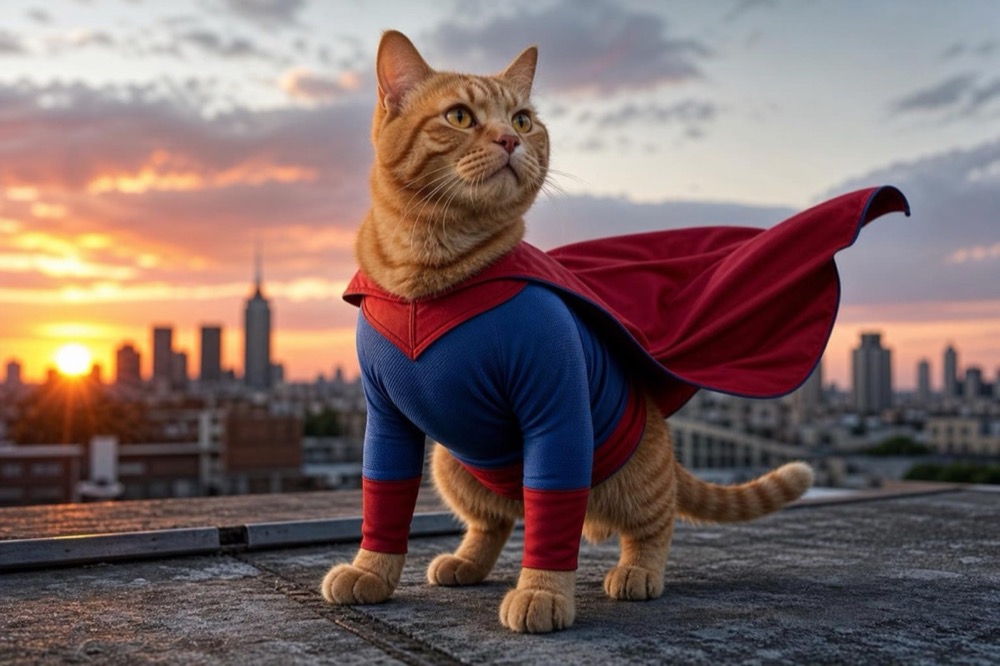 Image1 credit
Cat Superhero Generator
Give your cat a superhero suit and cape in a 2K portrait. Choose a rooftop hero, a cosmic guardian or a tiny sidekick. 1 credit, no watermark.
Open tool →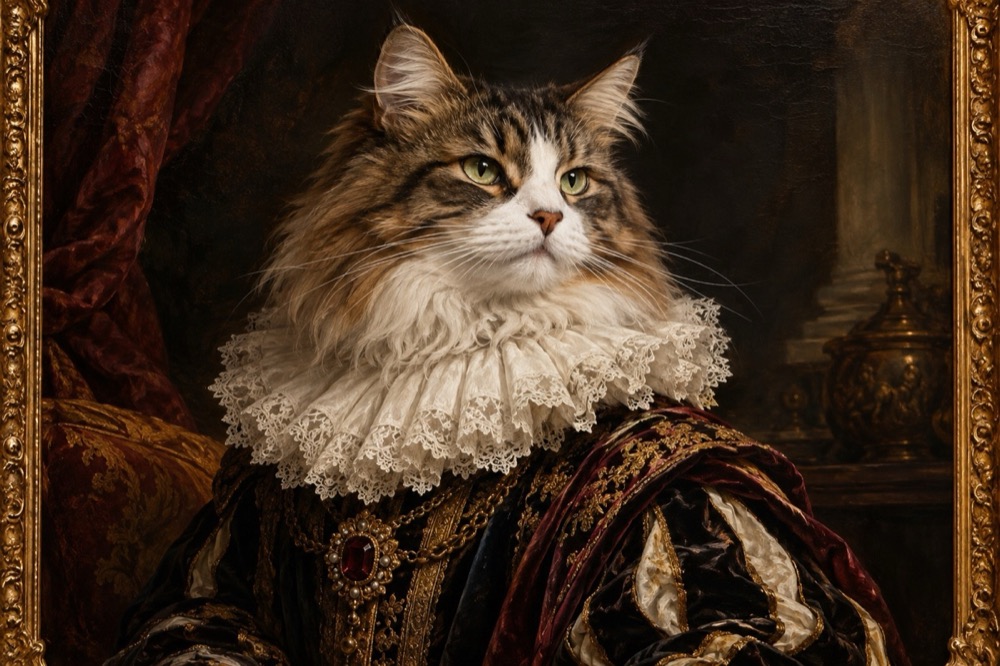 Image1 credit
Cat Renaissance Portrait Generator
Turn your cat into a Renaissance oil portrait: ruffled collar, chiaroscuro light and visible brushwork, generated in 2K. 1 credit per image.
Open tool →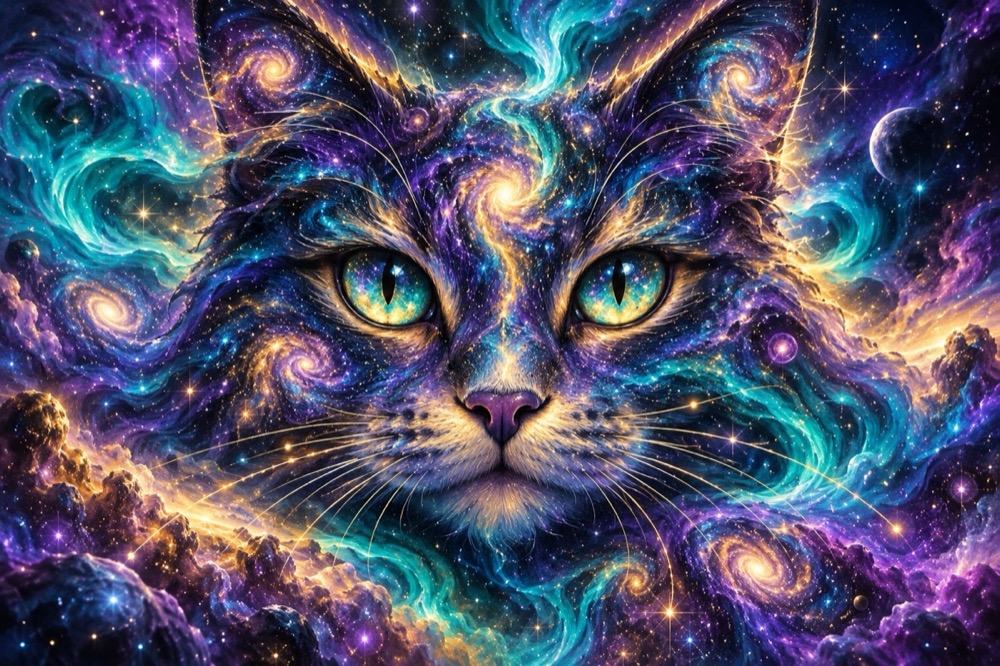 Image1 credit
AI Cat Picture Generator
Describe a cat picture and get a 2K image: galaxy cat, paper-cut illustration or studio portrait. No photo needed, 1 credit per image.
Open tool →One photo is enough to start
Pick a tool, upload the clearest photo you have, and the first result is usually ready before you finish reading the page.
All tools
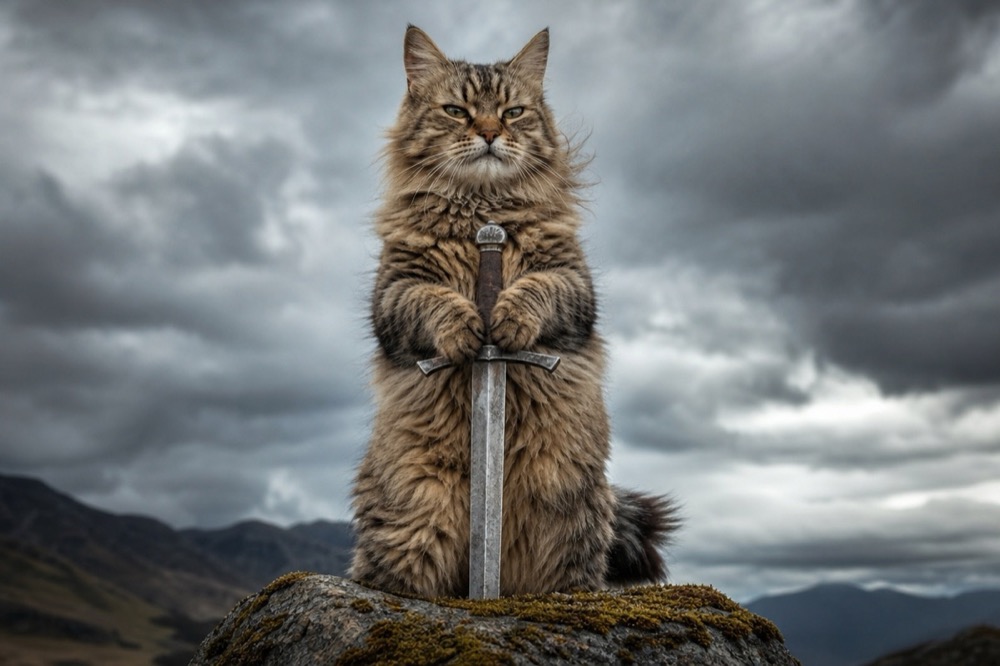 Image1 credit
Cat With Sword Meme Generator
Turn a photo of your cat into a cat-with-sword meme in about 30 seconds. One upload, one credit, a 2K image, no watermark and no prompt to write.
Open tool →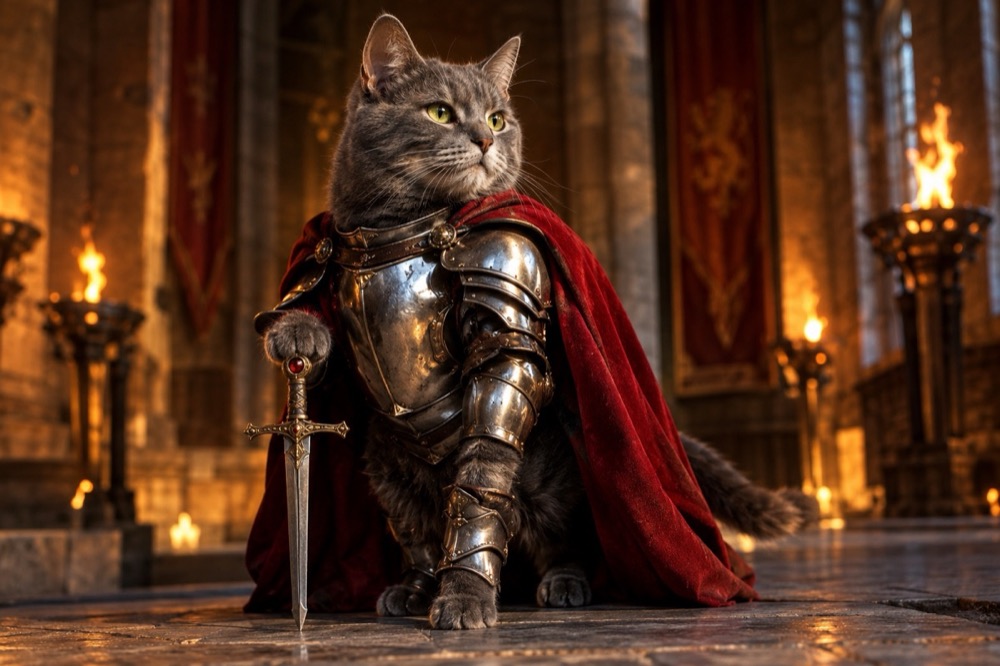 Image1 credit
Knight Cat Image Generator
Turn your cat into a knight in a 2K still image: silver plate, a red cape and a sword, with your cat's real face and markings preserved. 1 credit.
Open tool →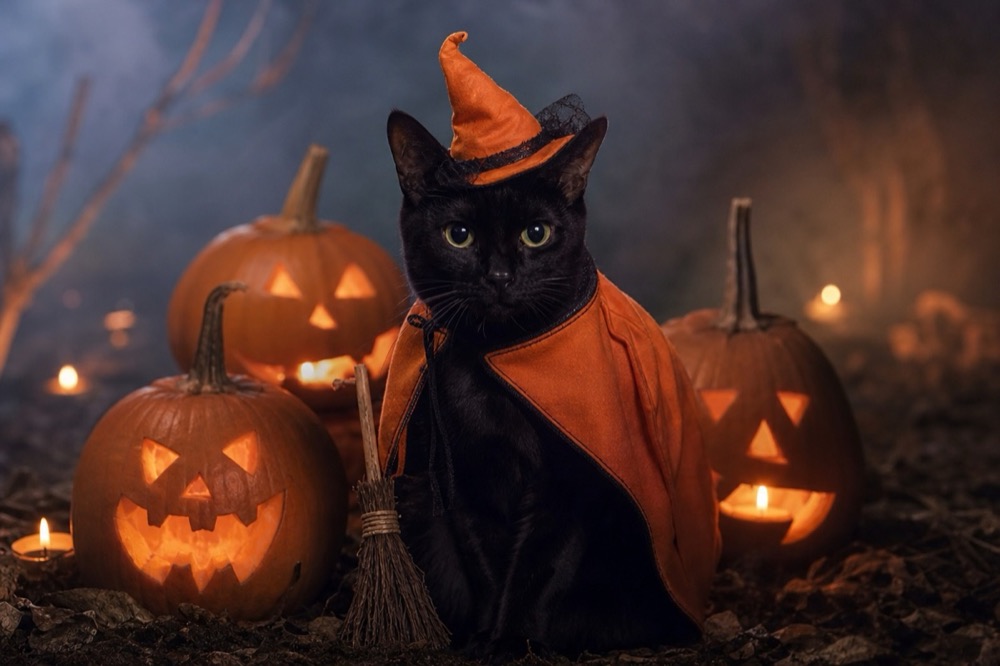 Image1 credit
Cat Halloween Costume Generator
Dress your cat for Halloween without buying a costume: pumpkin witch, haunted unicorn or vampire, generated from one photo in 2K. 1 credit per image.
Open tool →