Image1 credit
Pet Memorial Portrait Generator
A memorial portrait is not a costume or a joke. It is a way to keep a likeness that still feels like the animal you remember, in a setting that feels calm rather than sad.
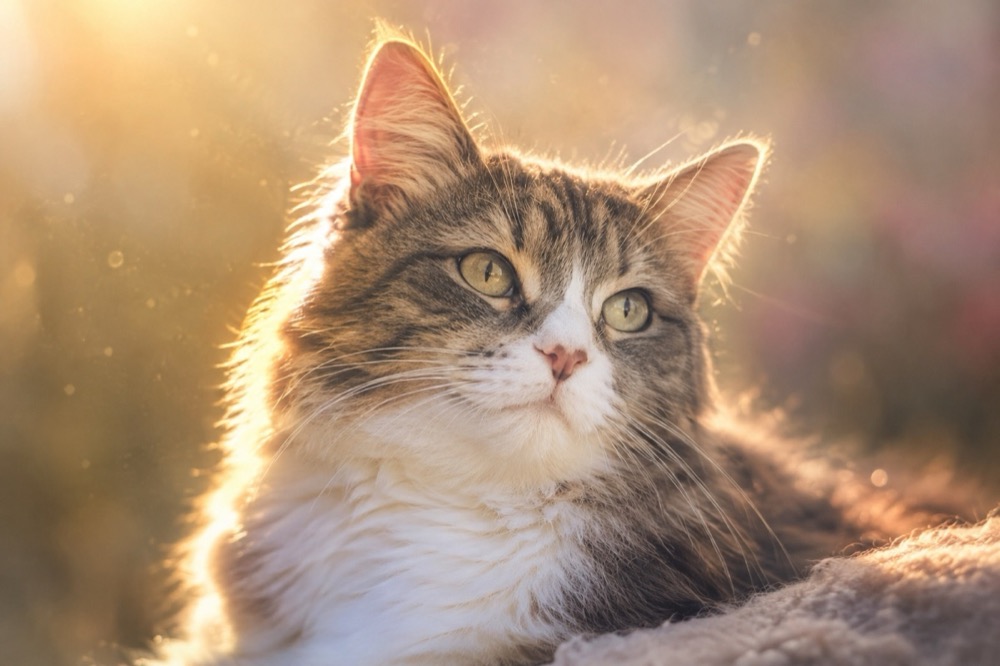
This tool takes one photo and returns a 2K portrait with soft golden light, a muted background and the cat's face and markings preserved. There are no cartoon wings unless you ask for them, and no text is added to the image.
Generated images are AI-made. Do not present them as photographs of a real event, and only upload photos you have the right to use.
Three gentle settings
Golden halo is the most abstract: soft backlight, a faint halo of warm dust motes and a muted pastel background. It keeps the focus on the face.
Rainbow bridge places the cat on a grassy hill at sunrise with a soft rainbow in the distance. It is the most symbolic of the three and the one people most often print.
Quiet window is the most domestic: a sunlit windowsill, a sheer curtain and a favourite blanket. It works well when the photo was taken at home and you want to keep that context.
Choosing the photo
Pick a photo where the cat looks like itself. A sharp image with open eyes and visible markings is more important than a perfect pose. A photo taken in the animal's favourite spot often carries more meaning than a studio shot.
If the only good photo is old or slightly soft, upload it anyway. The model can work with a lower-resolution source, though the likeness will be looser. Avoid photos with other people or animals in the frame; the presets keep the composition to one cat.
If you want a specific collar, toy or blanket included, describe it in the prompt. Small personal objects are what make a memorial portrait feel specific rather than generic.
A note on tone
These presets deliberately avoid dramatic wings, glowing eyes and heavy religious imagery. Those choices are valid, but they are not for everyone, and a subtle portrait is easier to live with on a wall.
You can add a symbol if it matters to you — a rainbow, a favourite flower, a patch of sunlight — by editing the prompt. The model will follow a concrete description better than an abstract mood.
Nothing is added to the image automatically: no dates, no names, no quotes. If you want text, add it in an editor after generating, where you control the font and placement.
Printing and delivery
Each portrait costs 1 credit; a 10-credit pack is $9.90. Failed renders are refunded. Output is a 2K JPEG with no watermark.
4:5 is the best crop for a framed print, 1:1 for a square card, and 9:16 for a phone wallpaper. The 2K file prints cleanly at 5×7 inches; for a larger frame, upscale it first. Take your time choosing the photo — the render is fast, but the likeness is worth a second look.
Questions people ask first
Can I use a photo of a pet who has passed away?
Yes. The tool is designed for exactly that. A clear photo with open eyes and visible markings gives the most faithful portrait, even if the file is old.
Does it add wings or a halo automatically?
No. The golden halo preset uses light, not literal wings. You can ask for a specific symbol in the prompt if you want one.
Can I include a name or dates?
The generator does not add text. Add the name and dates in an editor after downloading, so you control the font and placement.
What format should I print?
4:5 for a framed portrait, 1:1 for a card, 9:16 for a phone wallpaper. The 2K JPEG prints cleanly at 5×7 inches.
How much does it cost?
1 credit per portrait. Packs start at $9.90 for 10 credits, and a failed render is refunded automatically.
More tools for this photo
The same upload can become a still, a meme or a short clip.
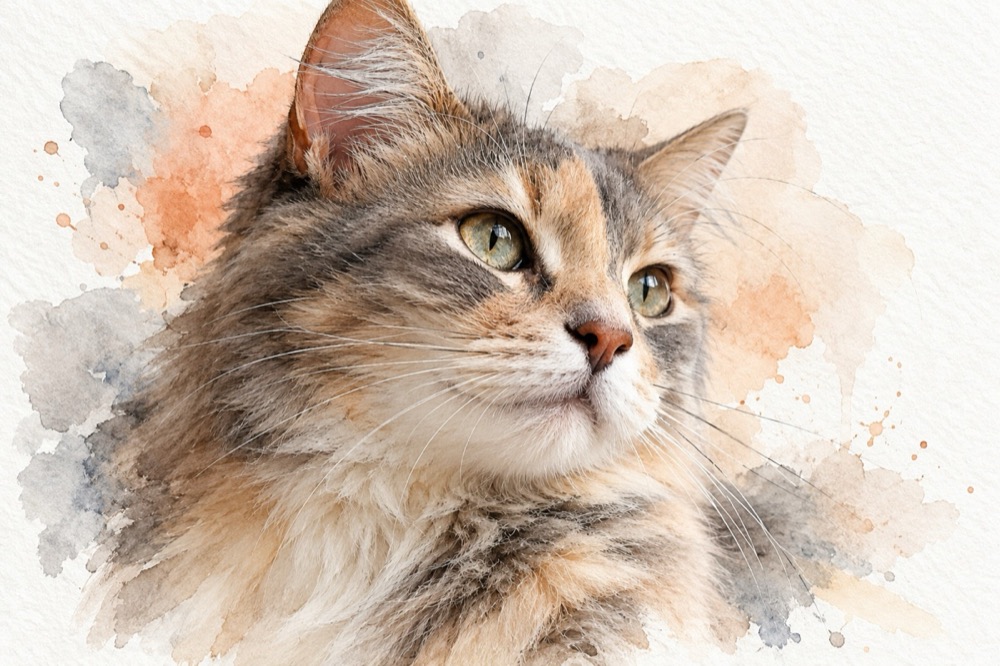 Image1 credit
Cat Watercolor Portrait Generator
Turn a cat photo into a watercolor portrait on textured paper: soft washes, fine ink whiskers and white margins. 2K image for 1 credit.
Open tool →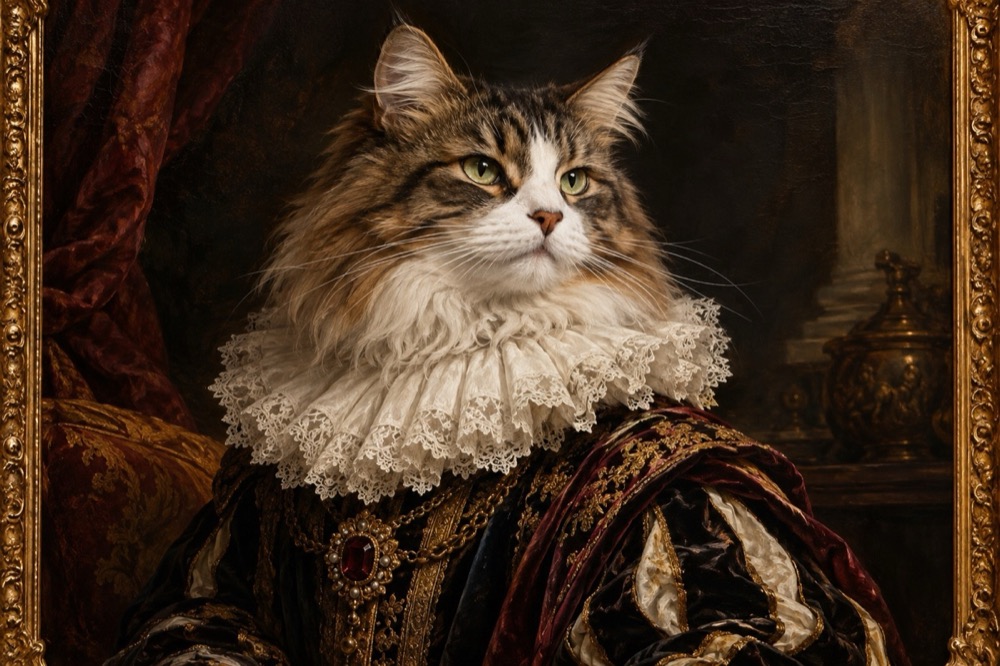 Image1 credit
Cat Renaissance Portrait Generator
Turn your cat into a Renaissance oil portrait: ruffled collar, chiaroscuro light and visible brushwork, generated in 2K. 1 credit per image.
Open tool →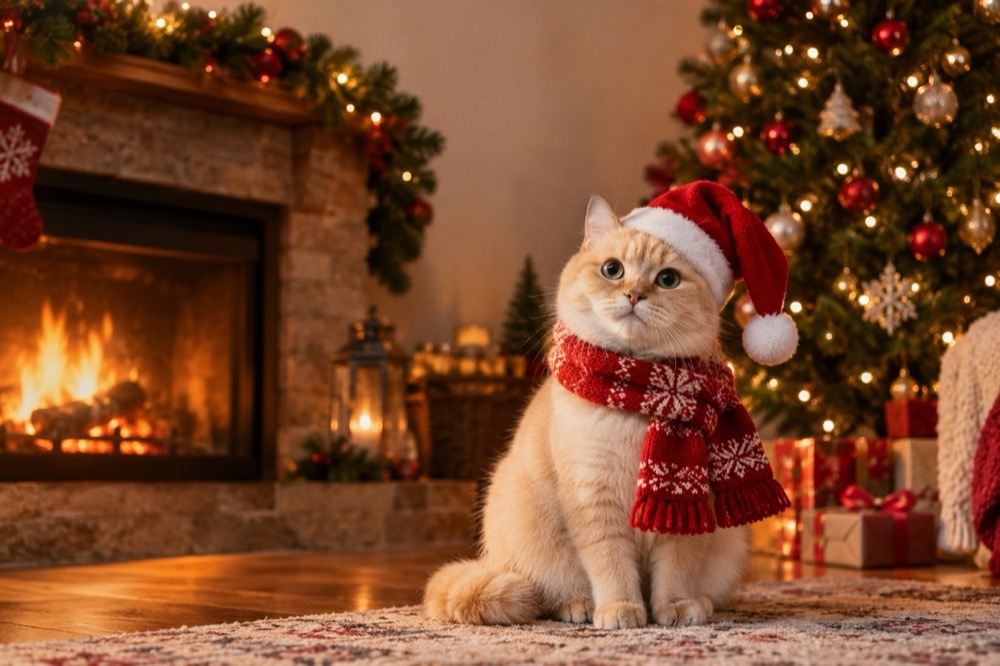 Image1 credit
Cat Christmas Card Generator
Make a Christmas card with your own cat: Santa hat, knitted scarf and a warm fireside, generated in 2K from one photo. 1 credit, no watermark.
Open tool →One photo is enough to start
Pick a tool, upload the clearest photo you have, and the first result is usually ready before you finish reading the page.
All tools
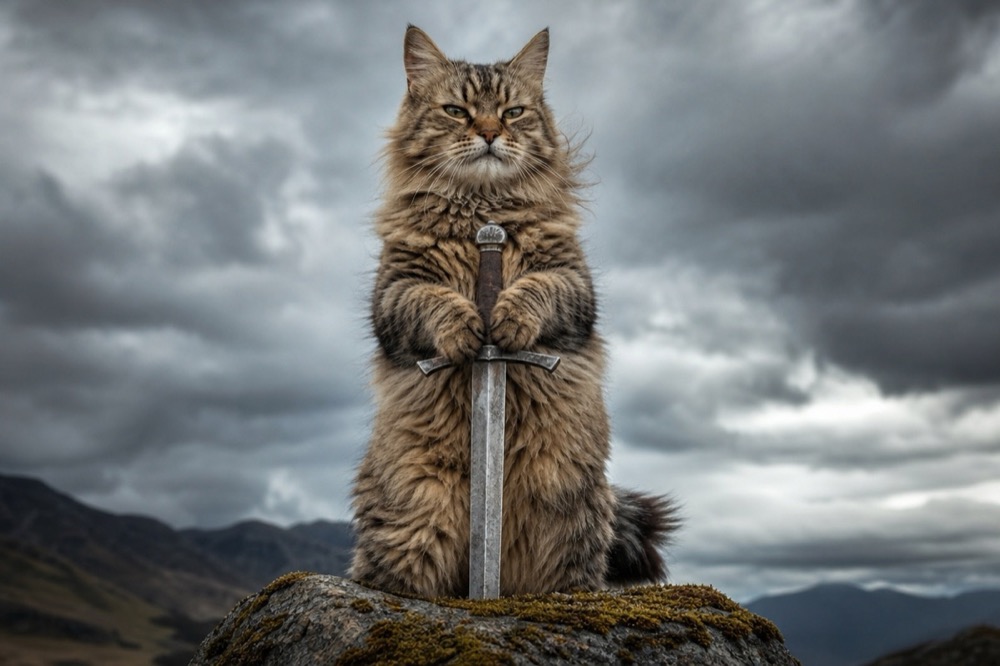 Image1 credit
Cat With Sword Meme Generator
Turn a photo of your cat into a cat-with-sword meme in about 30 seconds. One upload, one credit, a 2K image, no watermark and no prompt to write.
Open tool →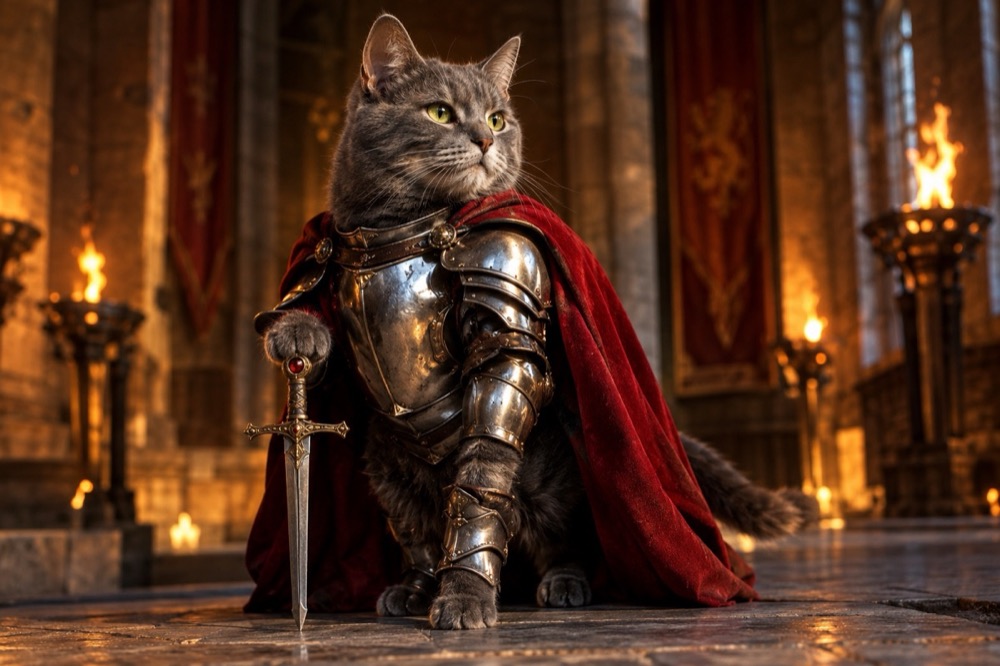 Image1 credit
Knight Cat Image Generator
Turn your cat into a knight in a 2K still image: silver plate, a red cape and a sword, with your cat's real face and markings preserved. 1 credit.
Open tool →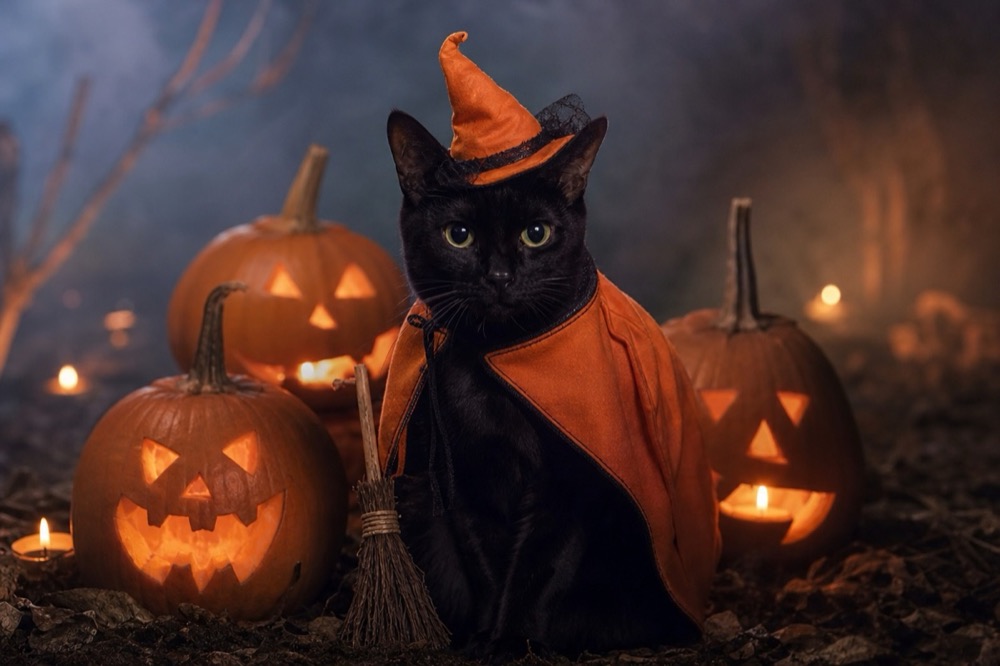 Image1 credit
Cat Halloween Costume Generator
Dress your cat for Halloween without buying a costume: pumpkin witch, haunted unicorn or vampire, generated from one photo in 2K. 1 credit per image.
Open tool →