Image1 credit
Cat Watercolor Portrait Generator
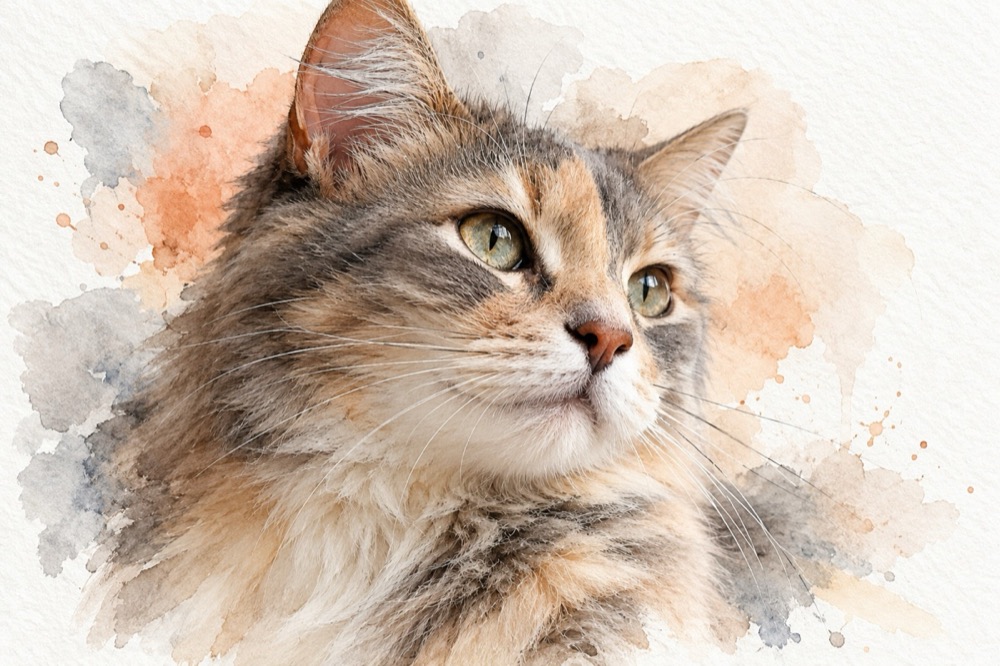
Watercolor is forgiving in the ways a photo is not. It softens the background, keeps the face light and gives the whole image a handmade quality that prints beautifully on cards and small frames.
This tool paints your cat from a single photo: soft washes of warm grey, peach and dusty blue, loose edges, a few fine ink whiskers and a bright paper margin around the painting. The face and markings stay yours; everything else is the medium.
Generated images are AI-made. Do not present them as photographs of a real event, and only upload photos you have the right to use.
Three watercolor treatments
Soft wash is the most traditional: warm grey, peach and dusty blue, wet edges and a generous white border. It looks like a page from a sketchbook.
Ink and petal adds a confident dark outline and a few scattered flower petals around the shoulders. The contrast makes it the strongest choice for a small print.
Golden hour pushes the palette warm: amber and rose washes with a hint of green at the edges. It is the most emotional of the three and works well as a memorial or a gift.
Why the paper margin matters
A watercolor portrait needs white space. The unpainted margin is what tells the eye that this is paper, not a digital illustration, and it also gives a frame or a card room to breathe.
The presets ask for a bright white paper margin and visible paper grain for that reason. If you crop the margin away, the image starts to look like a filtered photo again.
For a printed card, keep the margin intact and place your text in it rather than over the painting. For a frame, the margin can be hidden by the mount — that is fine, because the texture still reads.
Photo guidance
A clear face and visible markings matter more than a dramatic pose. Watercolor simplifies detail, so the shapes that survive are the ones the model can see clearly: ear shape, eye colour, the pattern on the forehead.
Avoid photos with strong coloured lighting. A blue or orange cast fights the limited watercolor palette and makes the result muddy. Daylight or a neutral indoor light is better.
If the cat is white or very pale, ask for a slightly stronger background wash in the prompt so the face does not disappear into the paper.
Credits, formats and printing
Each portrait costs 1 credit, and a 10-credit pack is $9.90. Failed renders are refunded automatically. Output is a 2K JPEG with no watermark.
4:5 is the best crop for a card or a small frame; 1:1 works for a square print; 9:16 suits a phone wallpaper. The 2K file prints cleanly at 5×7 inches. For a larger print, upscale it rather than stretching the file.
Questions people ask first
Is this a filter or a real watercolor style?
It is generated in a watercolor style with paper texture, loose washes and ink details. It is not a Photoshop filter applied to your photo.
Will the markings still be accurate?
Yes, the model is instructed to preserve the cat's face, markings and eye colour. Clear, evenly lit photos give the most accurate result.
Can I print it on watercolor paper?
Yes. The file is a 2K JPEG; printing it on textured paper makes the grain and washes read even more convincingly.
Can I use it as a memorial portrait?
Yes. The golden hour preset is designed for a calm, respectful tone. The dedicated memorial tool offers a few more options if you want a specific setting.
How much does it cost?
1 credit per portrait. Packs start at $9.90 for 10 credits, and failed renders are refunded.
More tools for this photo
The same upload can become a still, a meme or a short clip.
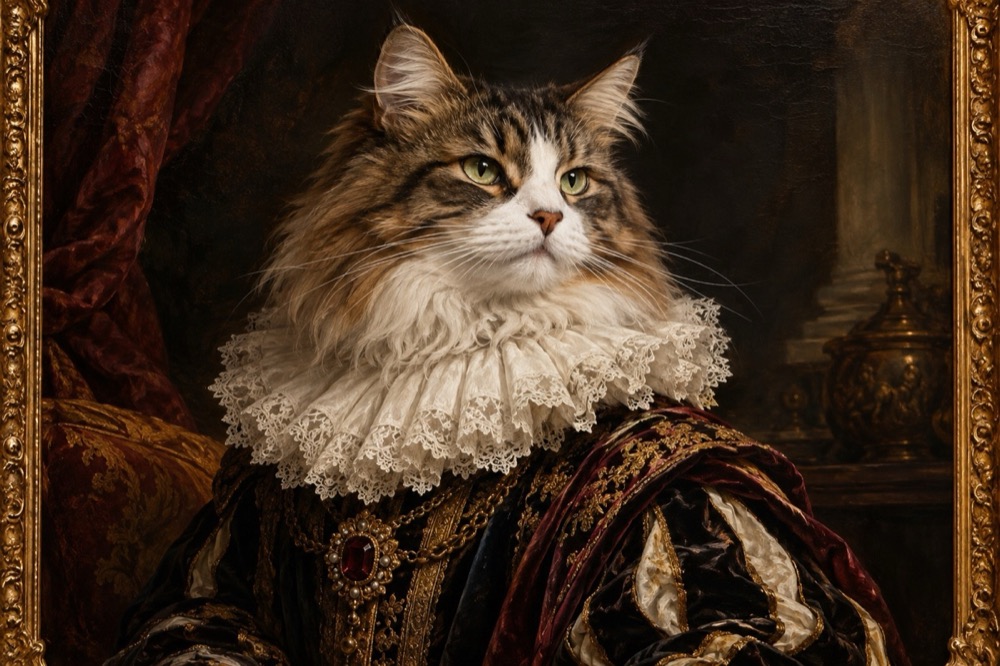 Image1 credit
Cat Renaissance Portrait Generator
Turn your cat into a Renaissance oil portrait: ruffled collar, chiaroscuro light and visible brushwork, generated in 2K. 1 credit per image.
Open tool →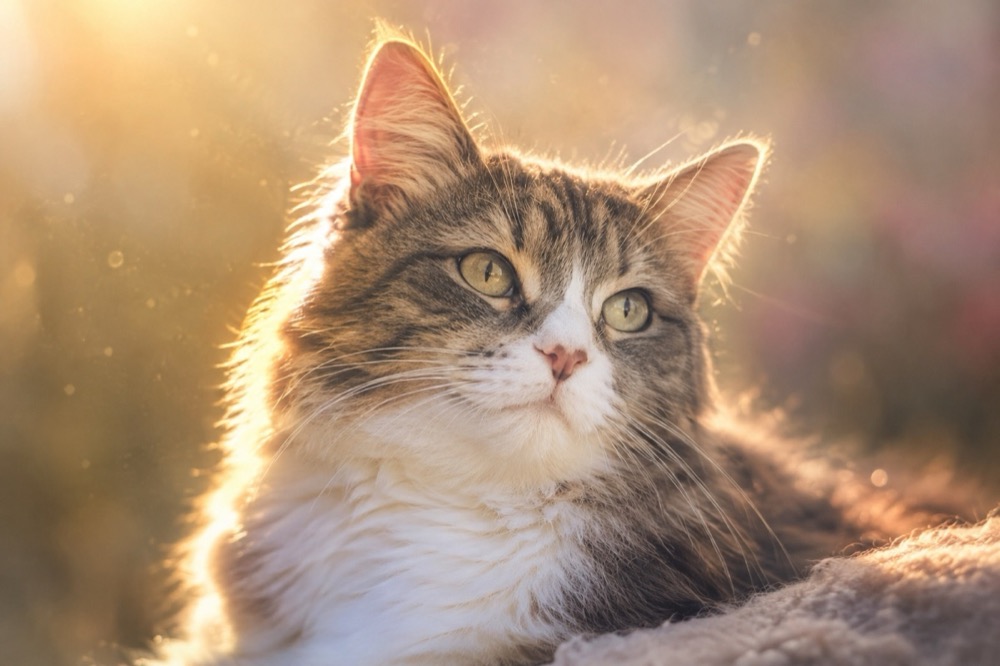 Image1 credit
Pet Memorial Portrait Generator
Create a calm memorial portrait from a photo of your cat: golden light, soft backgrounds and a faithful likeness. 2K image, 1 credit.
Open tool →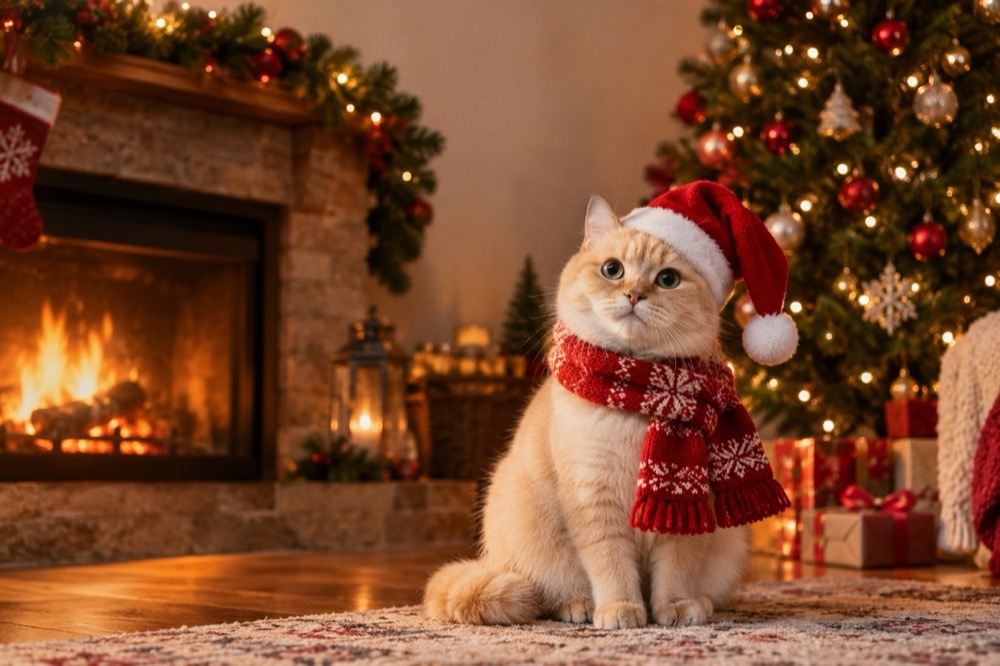 Image1 credit
Cat Christmas Card Generator
Make a Christmas card with your own cat: Santa hat, knitted scarf and a warm fireside, generated in 2K from one photo. 1 credit, no watermark.
Open tool →One photo is enough to start
Pick a tool, upload the clearest photo you have, and the first result is usually ready before you finish reading the page.
All tools
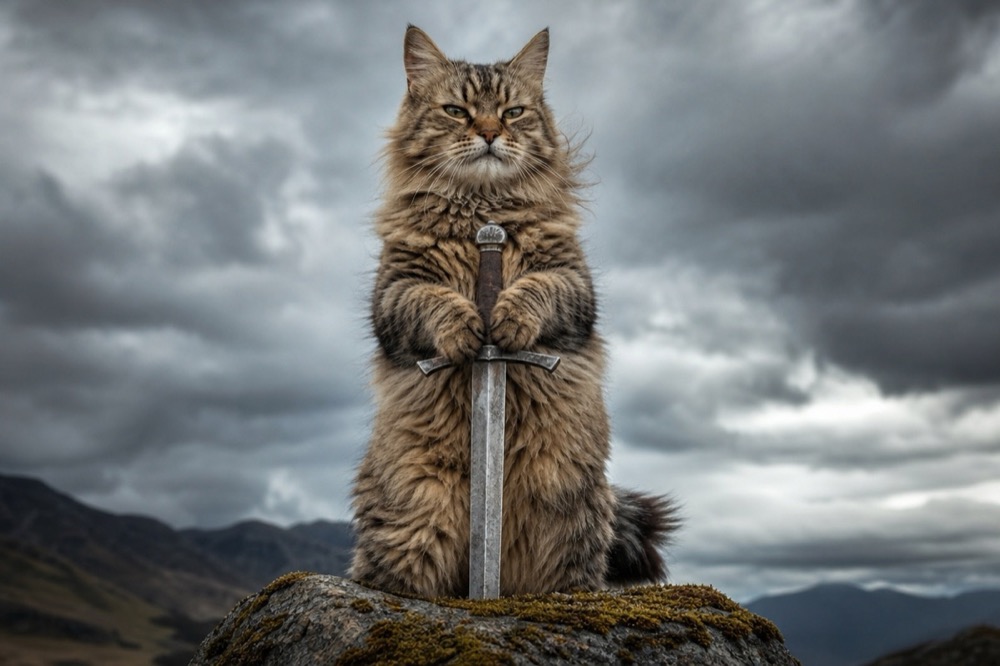 Image1 credit
Cat With Sword Meme Generator
Turn a photo of your cat into a cat-with-sword meme in about 30 seconds. One upload, one credit, a 2K image, no watermark and no prompt to write.
Open tool →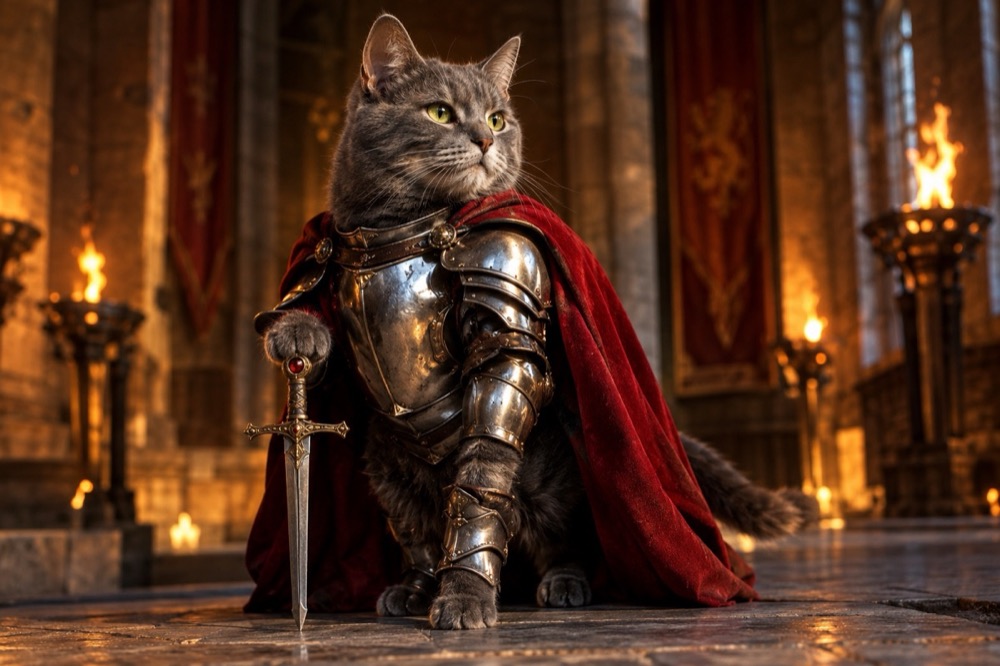 Image1 credit
Knight Cat Image Generator
Turn your cat into a knight in a 2K still image: silver plate, a red cape and a sword, with your cat's real face and markings preserved. 1 credit.
Open tool →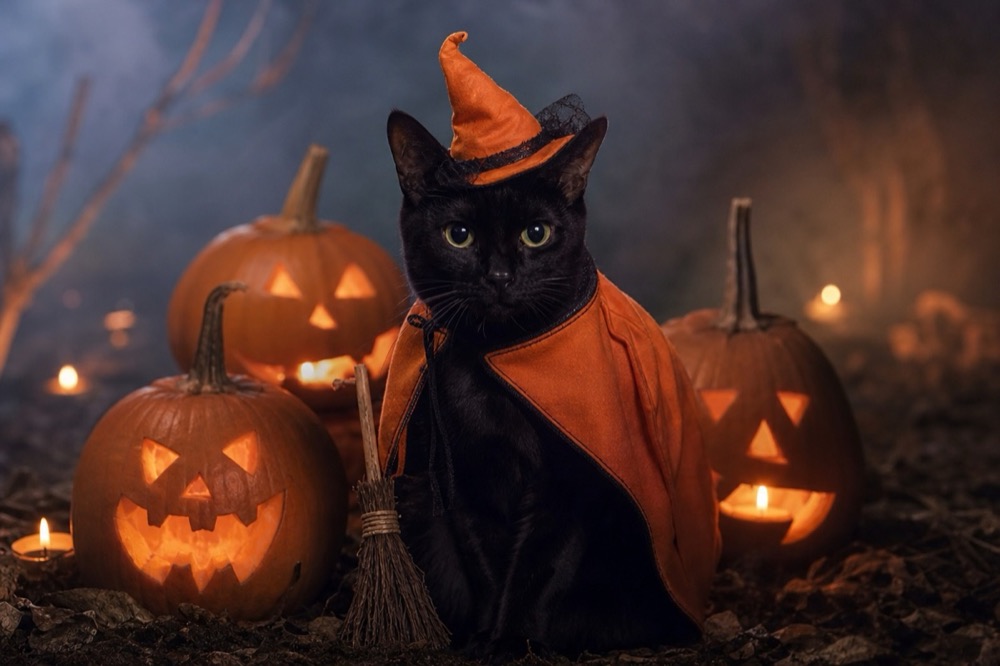 Image1 credit
Cat Halloween Costume Generator
Dress your cat for Halloween without buying a costume: pumpkin witch, haunted unicorn or vampire, generated from one photo in 2K. 1 credit per image.
Open tool →